The Asset Library
A built-in repository of UI elements, 3D icons, and dividers to polish your projects.
Written By Grout
Last updated 5 months ago
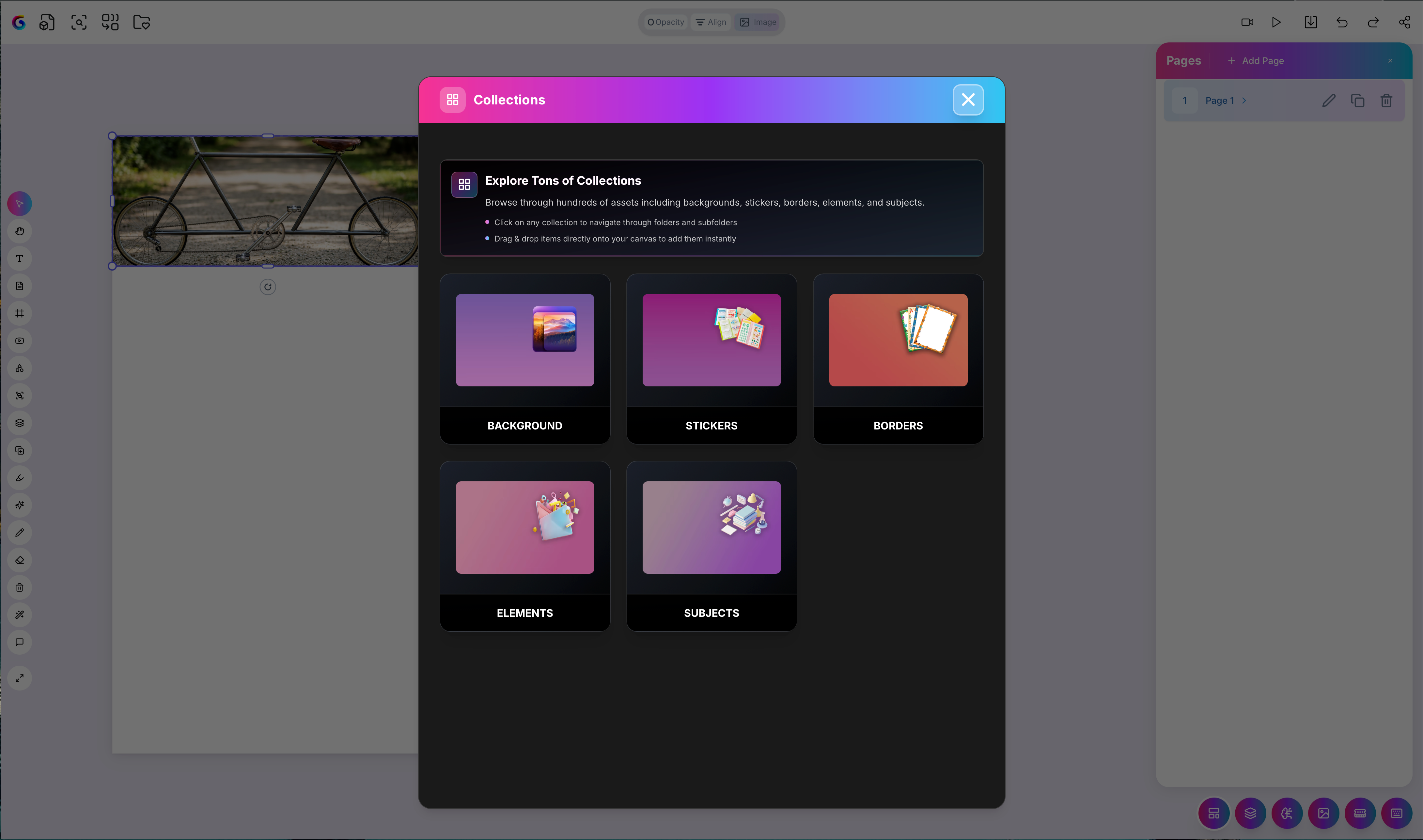
The Asset Library is a built-in repository of design elements you can drop onto your canvas to polish a finished project.
What's inside
UI elements — components to structure and present your work
3D icons — visual accents for projects and teaching materials
Dividers — to separate sections cleanly
How to use it
Open the Asset Library from your canvas.
Browse the available UI elements, 3D icons, and dividers.
Place an asset onto your canvas and position it freely.
When to use it
Reach for the Asset Library at the polishing stage — once your content is in place and you want the project to look finished before exporting or presenting it.
Was this helpful?
Still need help? Ask the team