Using the Agent workflow
Let Grout Code autonomously write multi-file features and run terminal commands.
Written By Grout
Last updated 4 months ago
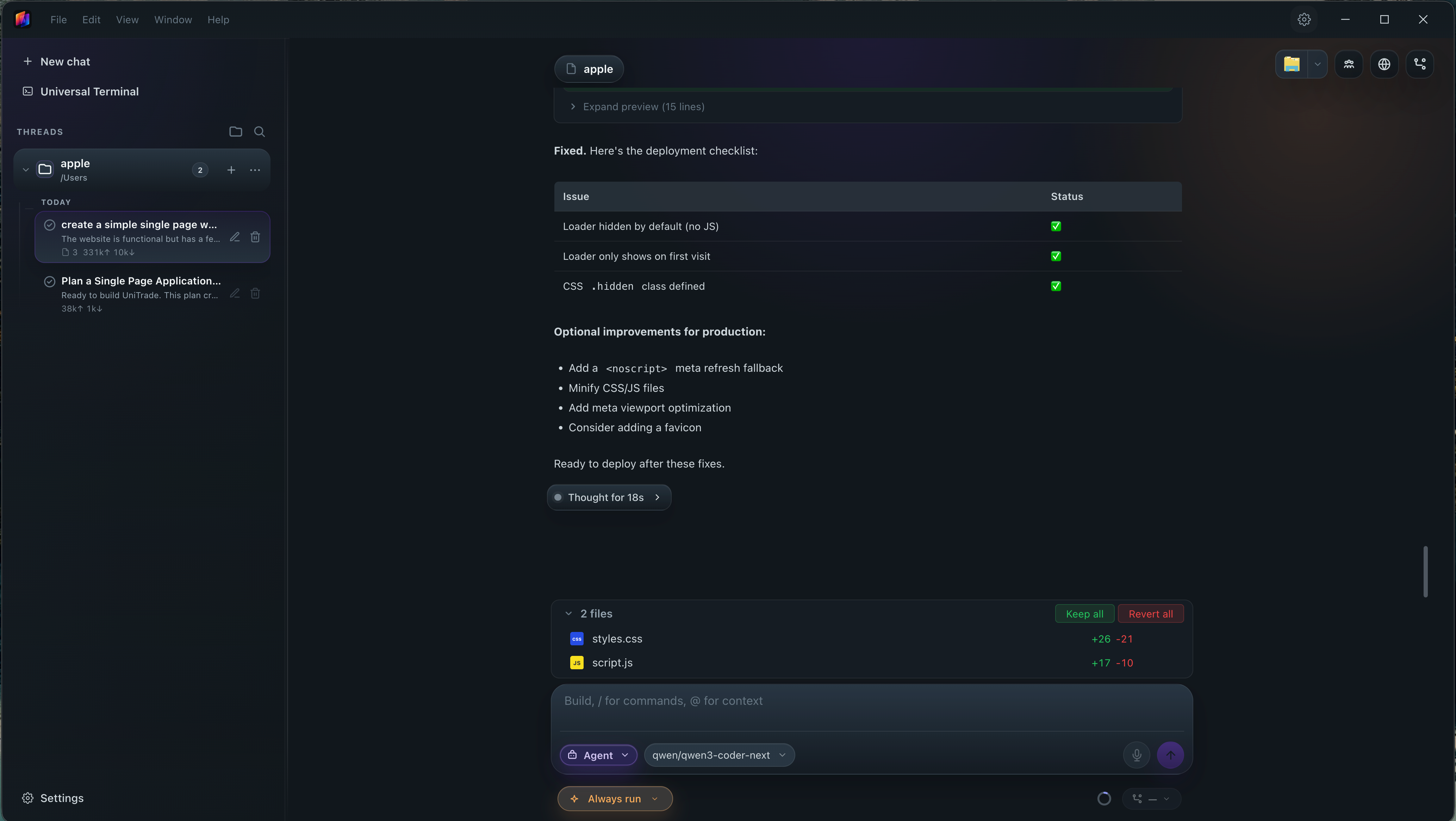
The Agent workflow autonomously writes multi-file features and executes terminal commands on your behalf.
What Agent does
Writes code across multiple files to implement a feature
Runs terminal commands as part of building and wiring that feature
How to use it
Open the Agent workflow.
Describe the feature you want built — or point it at a plan from the Plan workflow.
Let the agent work across files and run the commands it needs.
Review the changes it produced.
Agent and Plan together
For larger work, run Plan first to set the architecture, then hand that blueprint to Agent to implement.
Was this helpful?
Still need help? Ask the team