Using the Plan workflow
Generate architectural blueprints and directory structures before you write code.
Written By Grout
Last updated 4 months ago
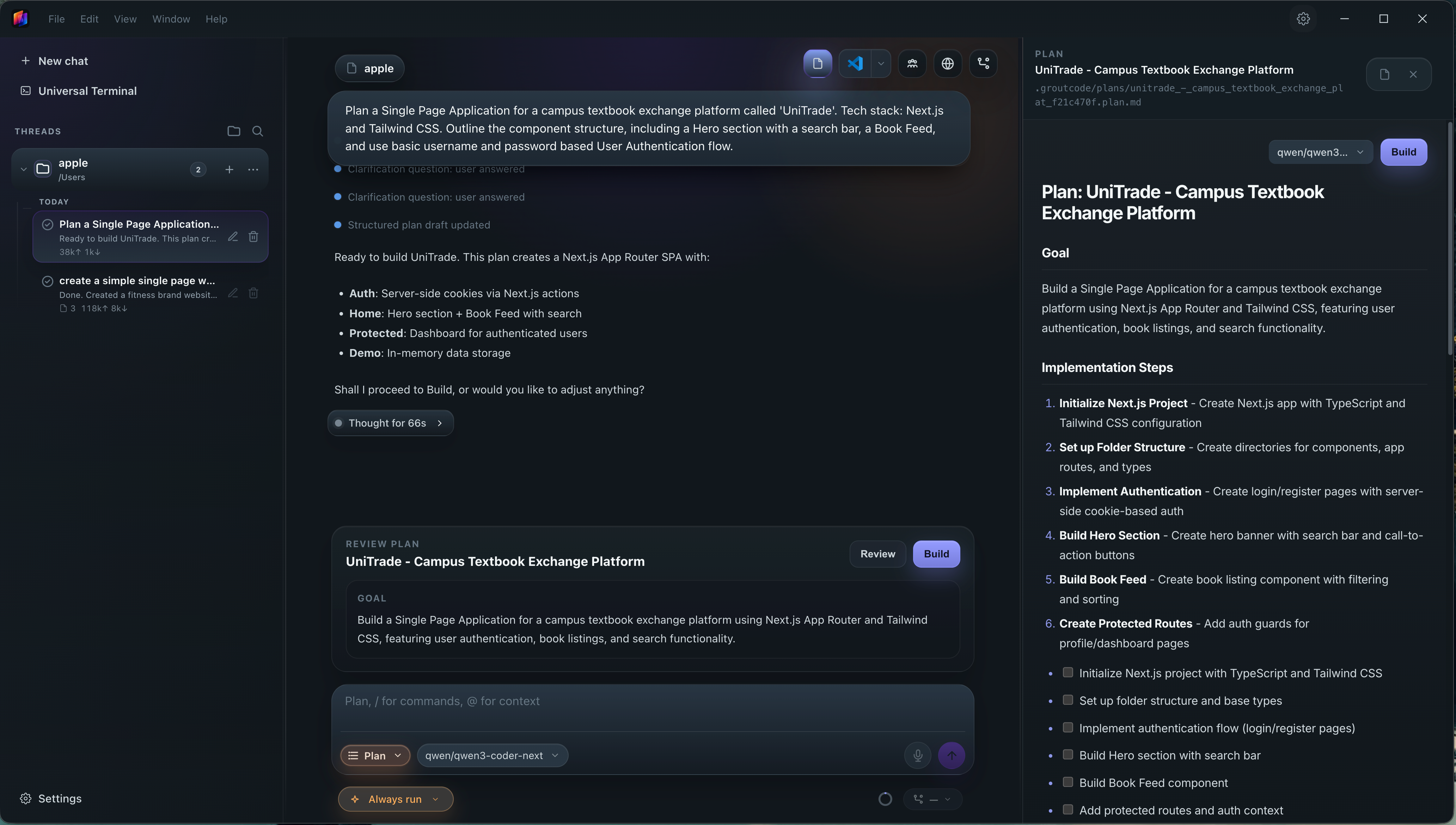
The Plan workflow generates architectural blueprints and directory structures — so you start a project with a clear structure instead of a blank folder.
What Plan produces
An architectural blueprint for the project or feature
A proposed directory structure
How to use it
Open the Plan workflow.
Describe what you want to build.
Review the generated blueprint and directory structure.
Refine the plan, then move into the Agent workflow to build it.
When to use Plan
Use Plan at the very start of a project, or before adding a large feature, so the structure is decided before any code is written.
Was this helpful?
Still need help? Ask the team