How generation and the timeline work together
Understand the two halves of Grout Film: the AI media bin and the NLE timeline.
Written By Grout
Last updated 4 months ago
Grout Film combines two things that usually live in separate apps: an AI generator and a non-linear editor.
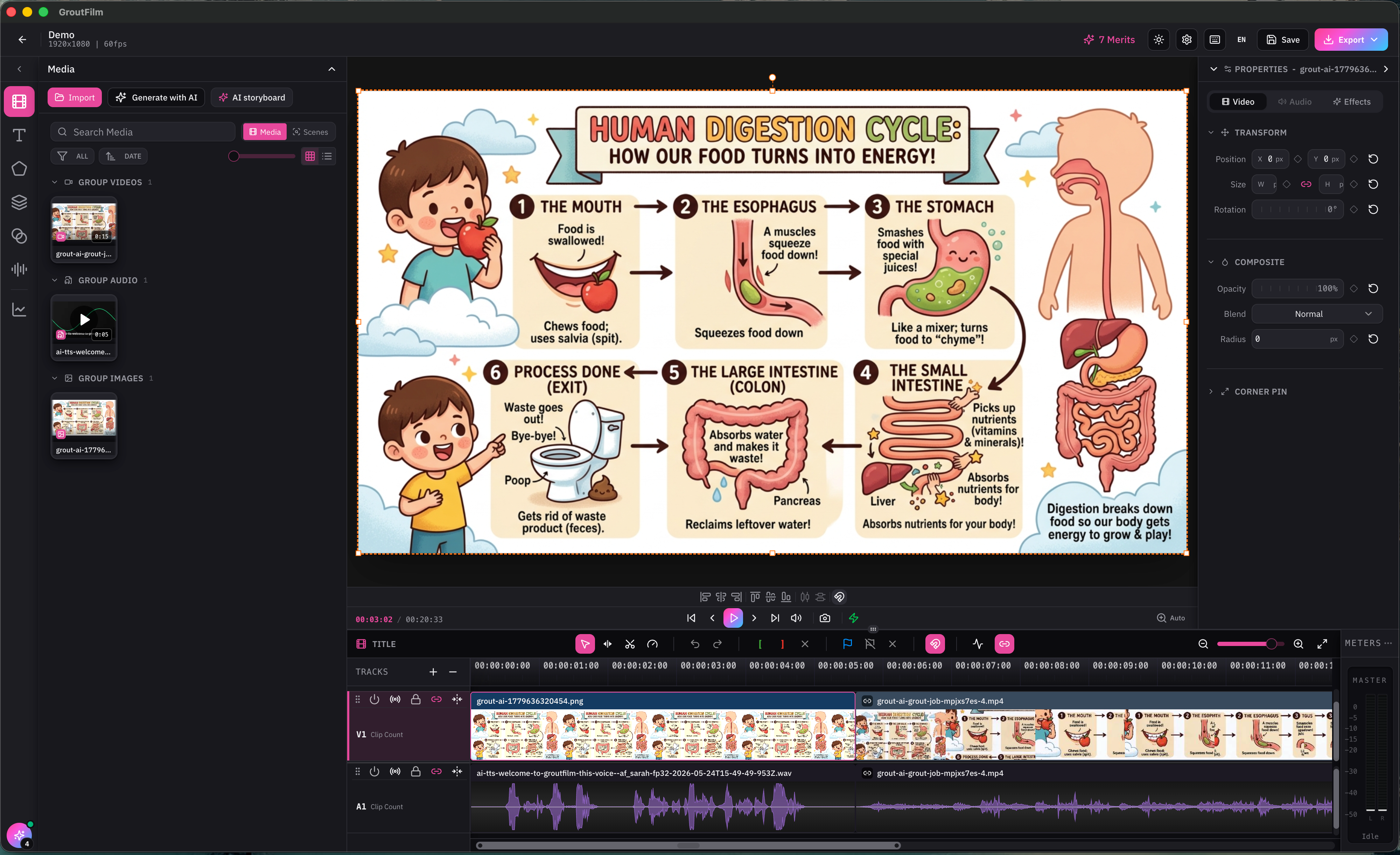
The media bin
The media bin is where AI generation happens. Prompt-to-image and image-to-video generation are integrated directly into it, so generated clips appear alongside any media you import.
The timeline
The timeline is a standard NLE with V1/A1 tracks for editing — cutting, trimming, and arranging your clips and audio.
The workflow
Generate or import media in the media bin.
Drag clips onto the timeline.
Edit — cut, trim, arrange — and add voiceover with TTS.
Export the finished video.
Was this helpful?
Still need help? Ask the team