Understanding and managing Merits
Track, top up, and allocate Merits — the credits used by cloud AI models.
Written By Grout
Last updated 4 months ago
Merits are the credits used when you run cloud AI models across the Grout ecosystem. This article explains how they work and where to manage them.
How Merits work
Every Grout license comes with a set amount of Merits included. As you use cloud AI models, Merits are drawn from that balance. When you need more, you can top up at any time from your distributor portal.
Where to manage Merits
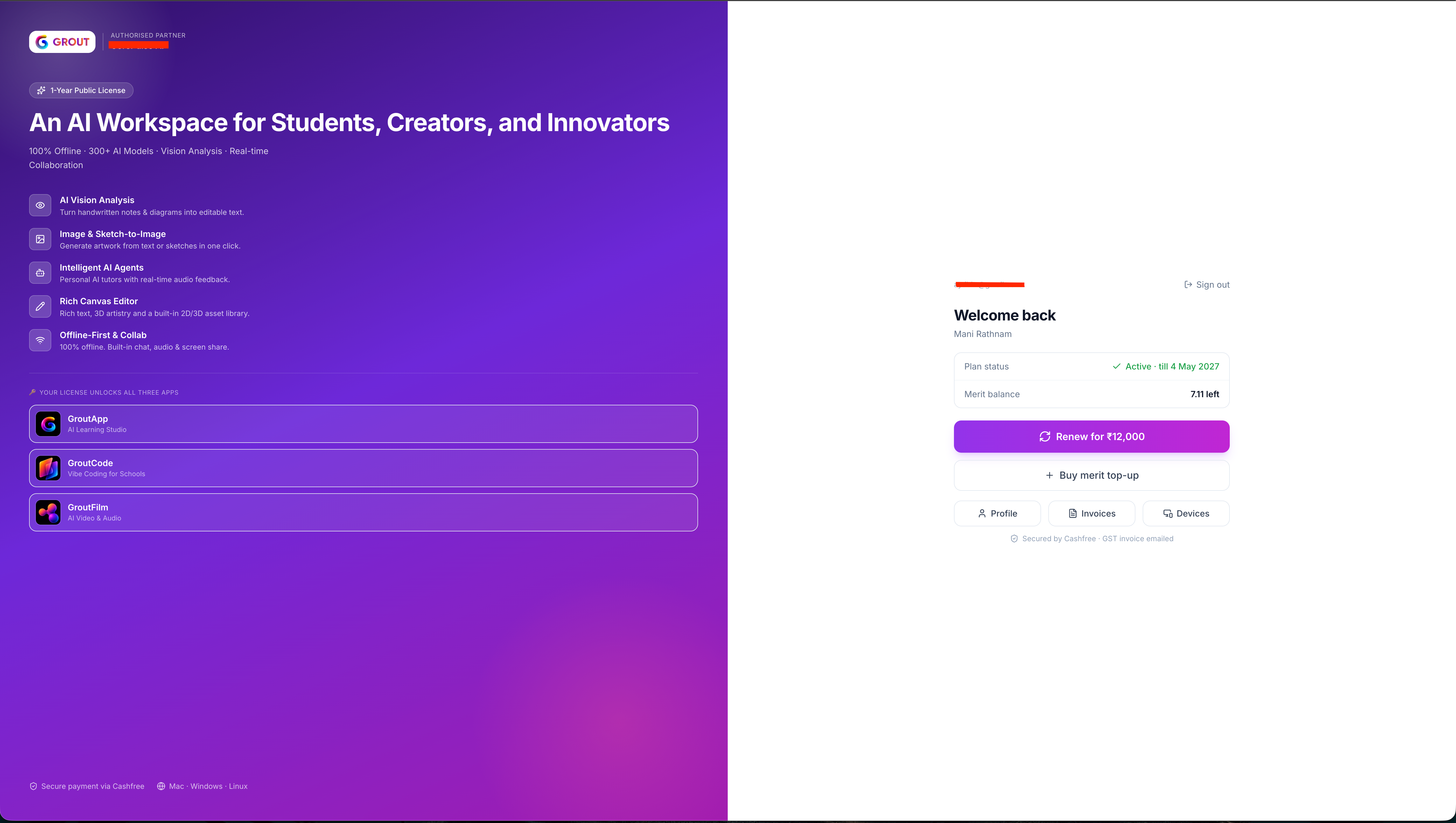
Merits — like everything else about your account — are managed on the distributor web portal, not inside the apps. Visit the region-specific distributor URL you used when purchasing your license (for example, distributor.grout.app — the exact subdomain depends on your region).
On the portal you can:
See your current Merit balance
Use Buy merit top-up whenever you need more
Renew your license
Review your plan status and expiry date
What uses Merits
Cloud AI models consume Merits when you use them — for example, the 300+ cloud models in Grout App, or cloud image generation. Running models locally does not use Merits.
What does not use Merits
Local AI — models that run on your machine.
Offline image generation — Bonsai, Stable Diffusion, Flux, and any custom GGUF models you've added. See Offline image generation: overview.
Local TTS and STT in Grout Film.
Payment & invoices
Payments on the distributor portal are processed by a secure regional payment provider (for example, Cashfree). For GST-applicable purchases, a GST invoice is emailed to you automatically.
Tip: make your Merits last
Use offline and local options for iteration and drafts — they don't consume Merits. Switch to cloud models when you specifically need the best quality.
Was this helpful?
Still need help? Ask the team