
Changelog

Follow new updates and improvements to Grout Suite.

Grout App: AI agent teams and Token saver
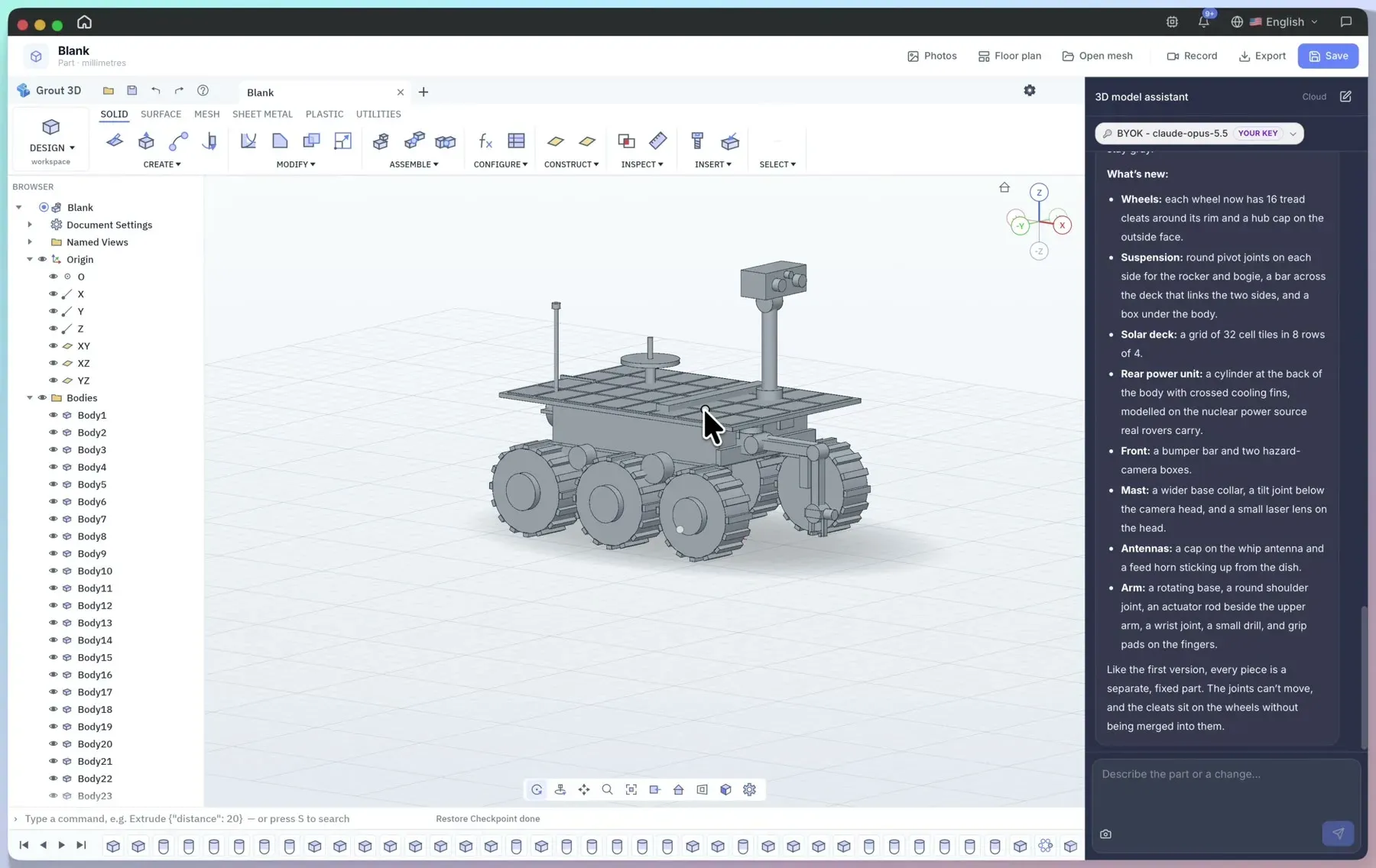
The 3D and circuit board assistants now work as a visible team.

What's new

  • Agent team: a planner, builder and reviewer for 3D, and up to six designers for circuit boards. Each shows its status as it works.

  • Talk to them mid-run: type a message while the agents work and they take it into account at the next step.

  • Token saver (Off to Maximum) shortens what is sent to the model, so long chats spend fewer Merits.

  • Faster reopening and STEP import in the 3D workspace, plus section views, cosmetic threads and new sheet-metal tools.
Read the guide

Grout App

Grout App: Connect AI apps

Use Grout from Claude, Codex and other AI apps on your computer.

Turn on AI services → Connect AI apps. AI apps can then open and edit your projects, build curricula, prepare exams and search your AI Memory. Add Grout to Claude Desktop or Codex with one button, or to Claude Code with one command.

Anything that reaches students, such as publishing, enrolling, assigning or grading, always asks you first.

Read the guide

Grout App

Grout App: circuit boards

Design printed circuit boards with an AI assistant. Create one from Home → Create → Engineering → Circuit board.

What's new

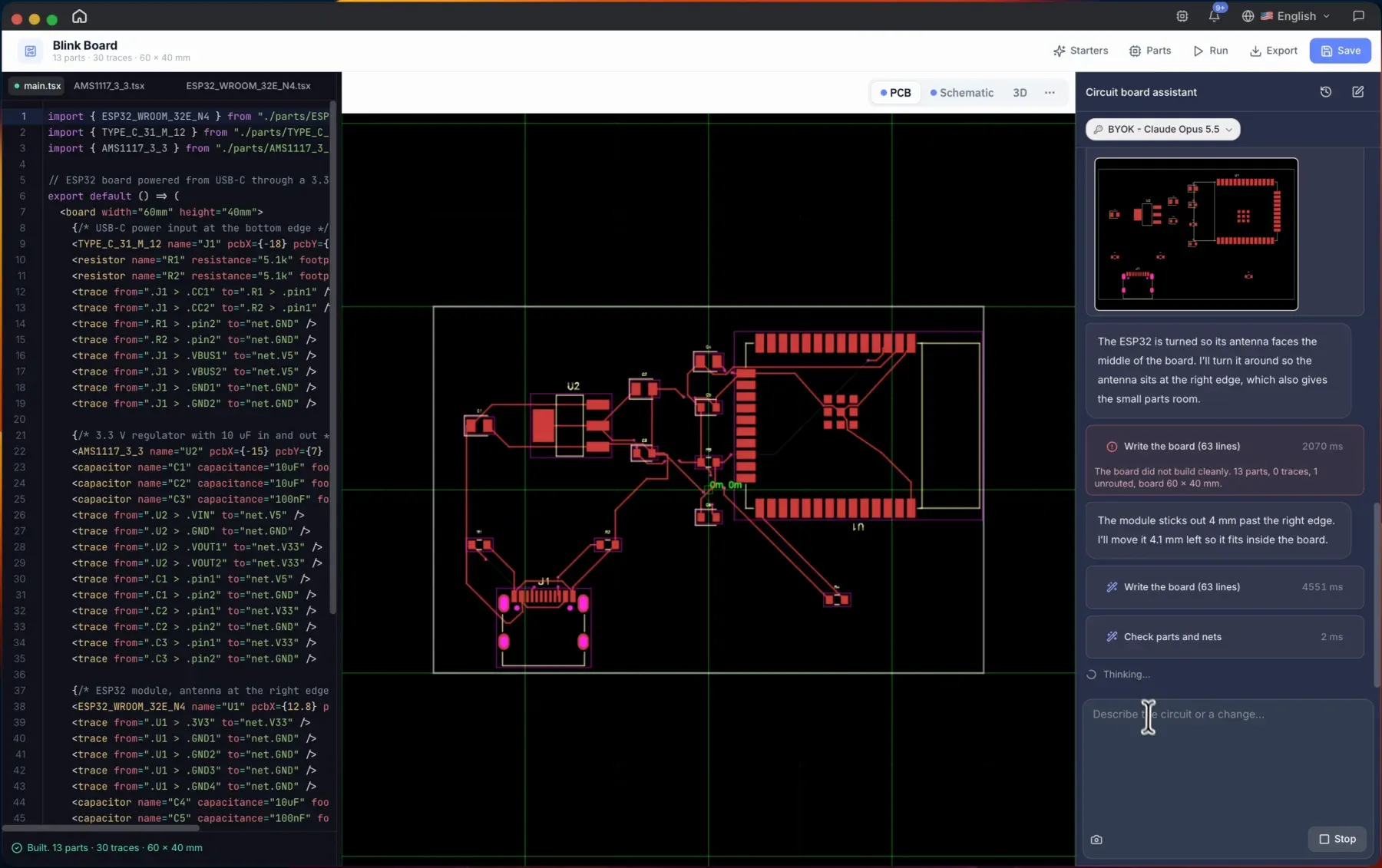
  • Board, schematic, 3D and parts views that rebuild as you type.

  • Circuit board assistant: describe the board and it writes, builds, checks and reviews it.

  • Real parts: an offline shelf of 21 common parts plus an online catalogue.

  • Import KiCad boards, or a schematic picture or PDF to rebuild.

  • Export Gerbers, a KiCad project, SVGs, a parts list, GLB and STEP.

  • Edit in 3D CAD to design an enclosure around your board.

Read the guide

Grout App

Earlier updates