Creating and grading coding exams (faculty)
Create coding exams with starter code and hidden tests, generate them with AI, assign to groups and review submissions.
Written By Grout
Last updated 20 days ago
Faculty on institution accounts open Exams from Home or View → Exams (Ctrl/Cmd+Shift+E).
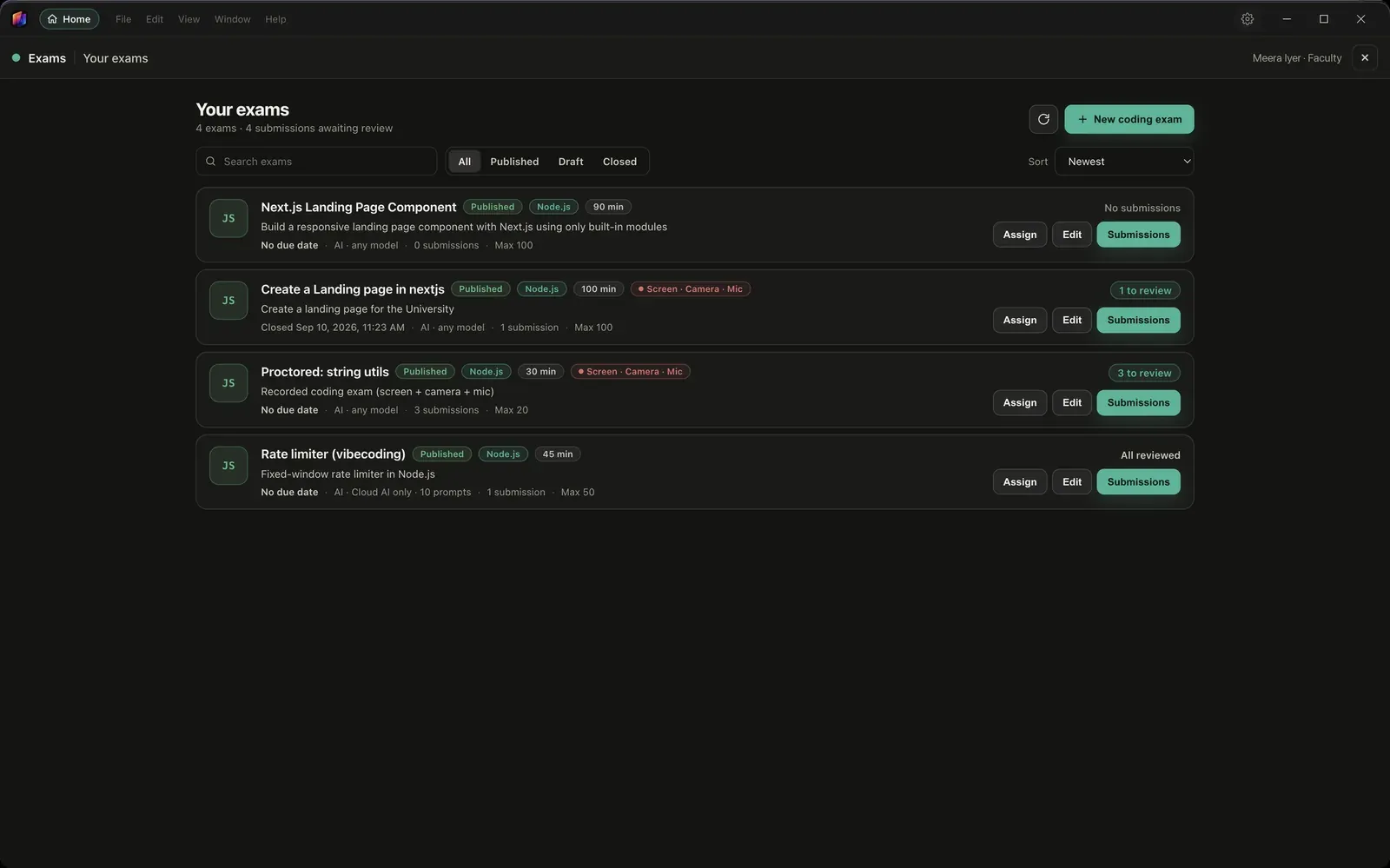
Create
Press New coding exam.
Optional: Generate with AI — enter topic, language, difficulty, time limit and model, then Generate exam. Grout Code checks that the starter fails and the reference solution passes, and marks the draft Verified or Unverified.
Exam: title, max score, due date, time limit (from first open), description, Allow late submissions, Recording required (Screen / Camera / Microphone).
Task: toolchain (Node.js, Python, C, C++, Java, SQL), the brief students read, and private rubric notes.
Starter and tests: starter folder or zip, Sample tests (visible to students), Hidden tests (encrypted; released only at submit), setup and test commands, test timeout.
AI policy: whether students may use the AI agent, allowed models (Any / Cloud AI only / Local only) and a prompt budget. Every prompt, answer and edit is recorded either way.
Create exam.
Assign
Press Assign and pick groups. Students get the exam and an email; guardians are copied. Groups are created in Grout App or the portal.
Review and grade
Open Submissions and press Review →.
Tabs: Changes, Tests, AI transcript, Metrics, Recording.
Test results come from the student's machine — press Re-run here for a result you can trust.
Enter the score and feedback, then Save grade or Request resubmission.
Review in editor opens the student's workspace with a review bar and Grade popover.
Starter and hidden-test archives are limited to 50 MB. Exams created in Grout App open in Grout App, not here.
Was this helpful?
Still need help? Ask the team