Working offline with Grout App
How Grout App's offline-first design lets you keep working without an internet connection.
Written By Grout
Last updated 4 months ago
Grout App is built with an offline-first architecture. The core canvas and local AI tools are designed to keep working even when your internet connection drops.
What works offline
The core canvas — creating, arranging, and editing your work
Local AI — models that run entirely on your machine
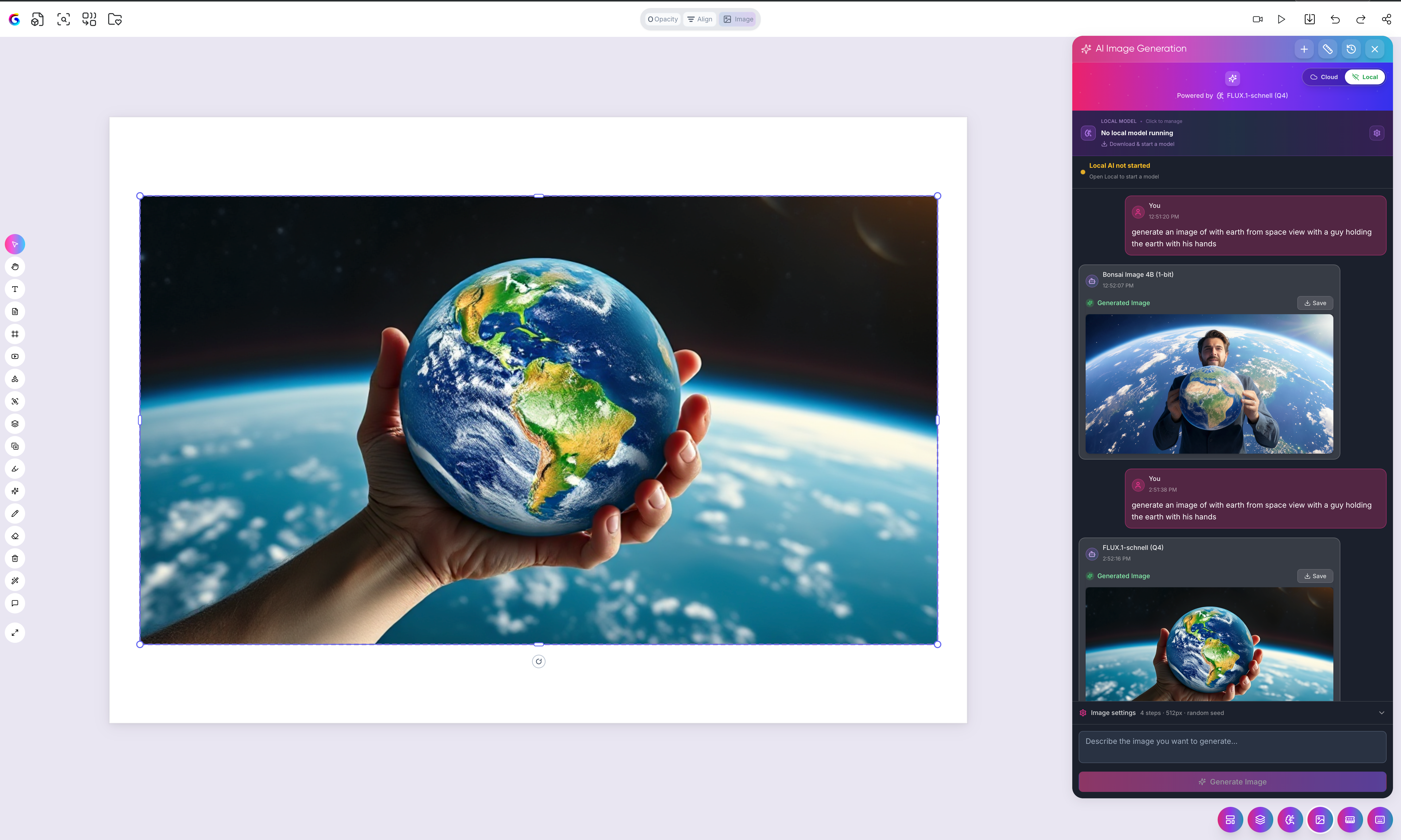
Offline image generation — generate images locally with Bonsai, Stable Diffusion, or Flux. See Offline image generation: overview.
Your already-organized AI-Memory material
What needs a connection
Features that rely on the internet — such as the 300+ cloud AI models, cloud image generation, and phone scanning over Wi-Fi — need connectivity. When you're offline, switch to Local AI for text and to offline image models for visuals to keep your AI workflow going.
Tips for offline work
Open the app at least once while online so your account and tools are ready.
Set up a Local AI model in advance so it's available when you lose connection.
Download offline image models in advance — they download once and then run fully offline.
When your connection returns, cloud models, cloud image generation, and phone scanning become available again.
Grout App is now 100% offline-capable
With Local AI, the offline-first canvas, and offline image generation working together, Grout App now supports your full workflow — research, prompt, generate, and create — without an internet connection.
Was this helpful?
Still need help? Ask the team