Installing Grout Film
Download, install, and launch Grout Film.
Written By Grout
Last updated 4 months ago
Grout Film runs as a desktop application. This article covers installation.
Install
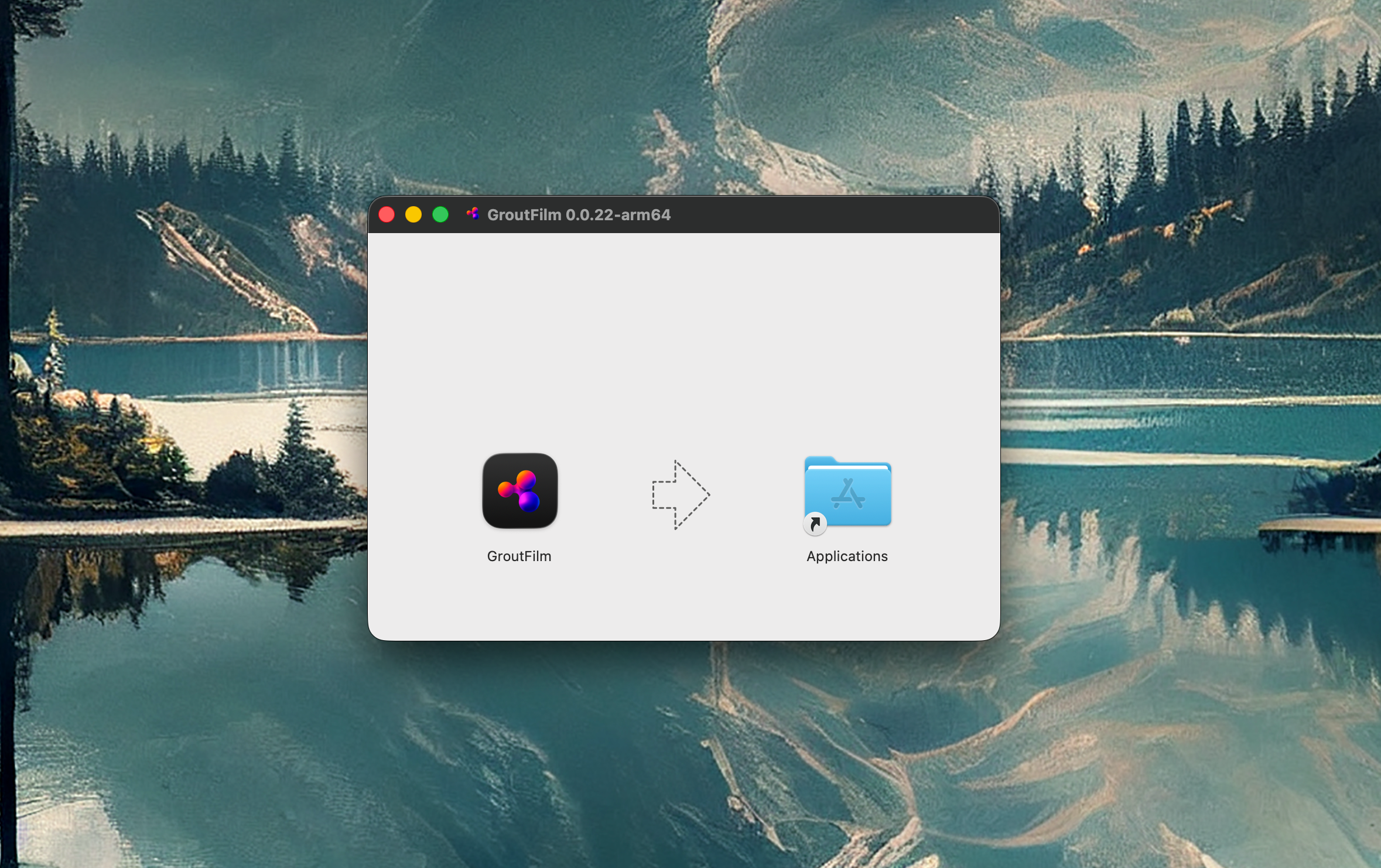
Download the installer for your operating system from the Grout website.
Run the installer and follow the on-screen steps.
Launch Grout Film.
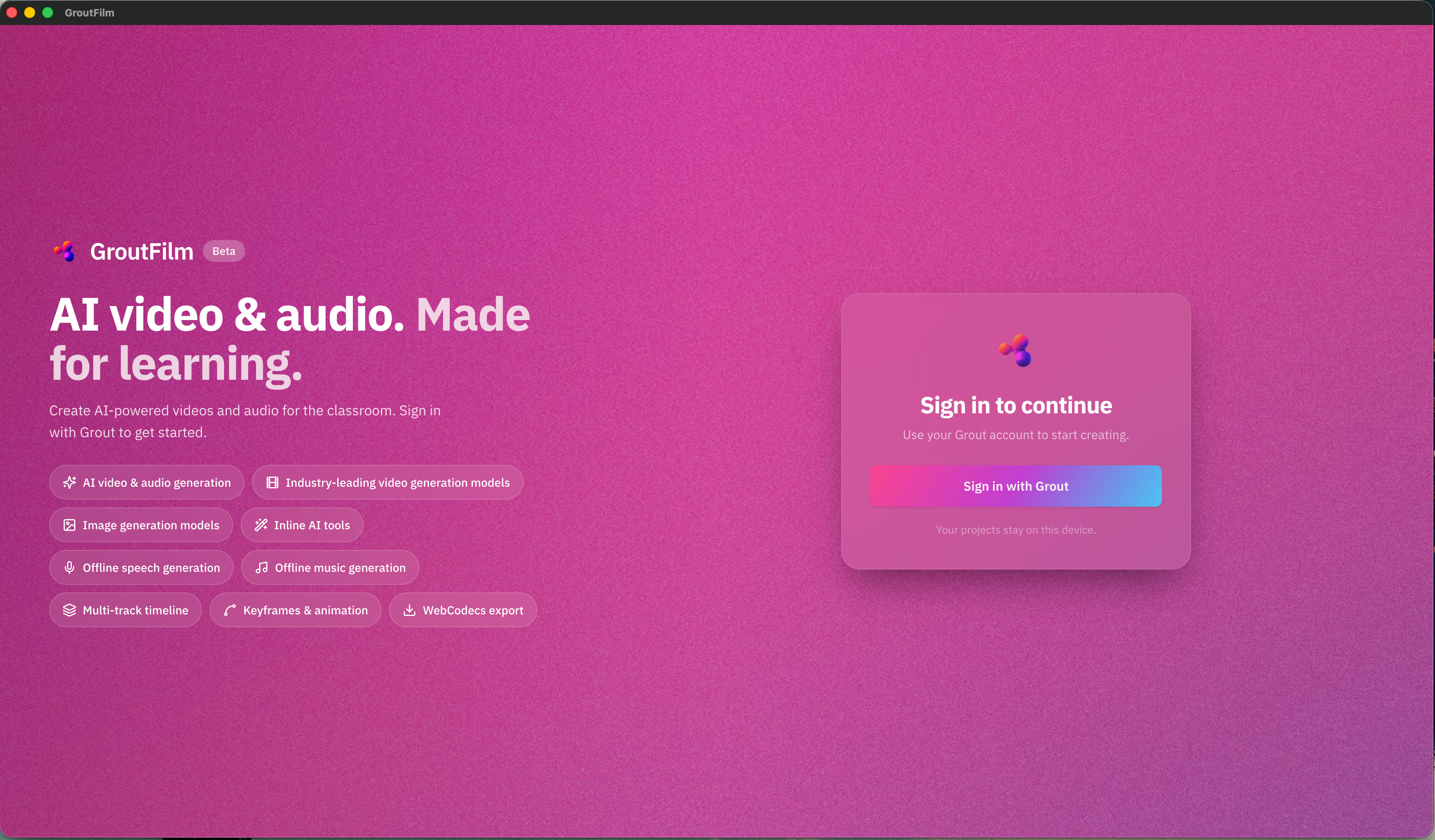
Sign in with your Grout account — one account works across App, Code, and Film. See Unified One-Click Sign-In.
First launch
On first launch you'll see the two halves of Grout Film: the media bin, where you generate and store AI media, and the timeline, where you edit. The next articles cover each.
Was this helpful?
Still need help? Ask the team