Finding chapters with AI in AI-Memory
Let AI split a textbook into chapters, plus Textbook Cloud, phone import and course material.
Written By Grout
Last updated 20 days ago
Find chapters with AI
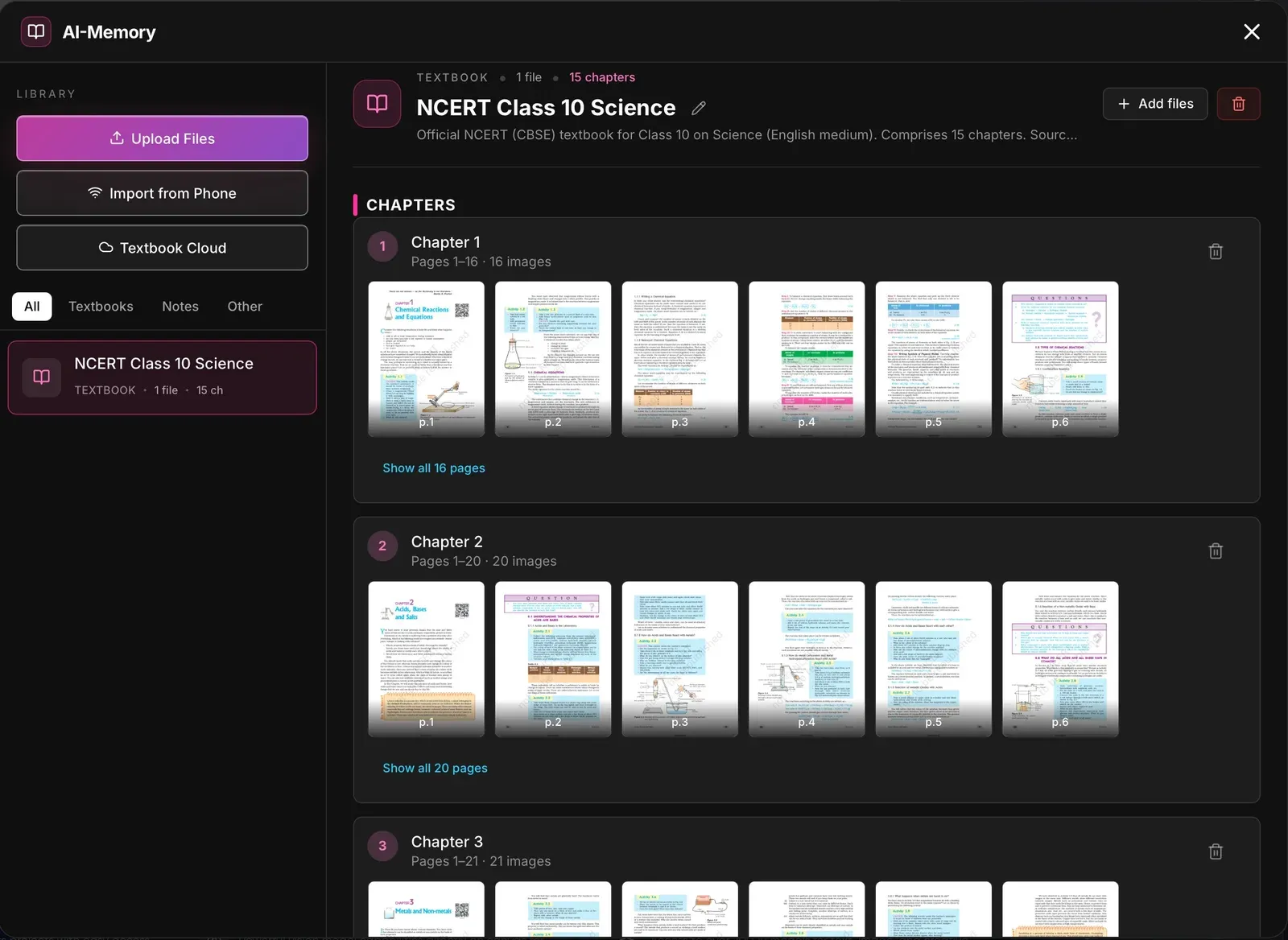
In Upload Files, add your book.
Press Find chapters with AI next to Add chapter (for notes: Find sections with AI).
Pick a model and press Find chapters. The book's own bookmarks are used first, with no AI needed.
Check the titles and page ranges, then save.
Scanned pages and photos need a cloud model that can read images.
Also new
Chapters are sent to the AI as the chapter's own PDF; an entire book option is available.
Textbook Cloud lets you browse and sync NCERT books.
Import from Phone works over Wi-Fi or Cloud Sync.
AI-Memory is kept separately per account.
Chapters can be attached to a curriculum as course material for the AI teacher.
Was this helpful?
Still need help? Ask the team