Presenting your work with Present Now
Turn any canvas into a full-screen interactive slideshow.
Written By Grout
Last updated 5 months ago
Present Now turns a project into a full-screen interactive slideshow directly from the canvas — no exporting to separate presentation software.
What it does
Present Now takes the work already on your canvas and displays it as a full-screen, interactive slideshow, so you can present straight from Grout App.
How to use it
Open the project you want to present.
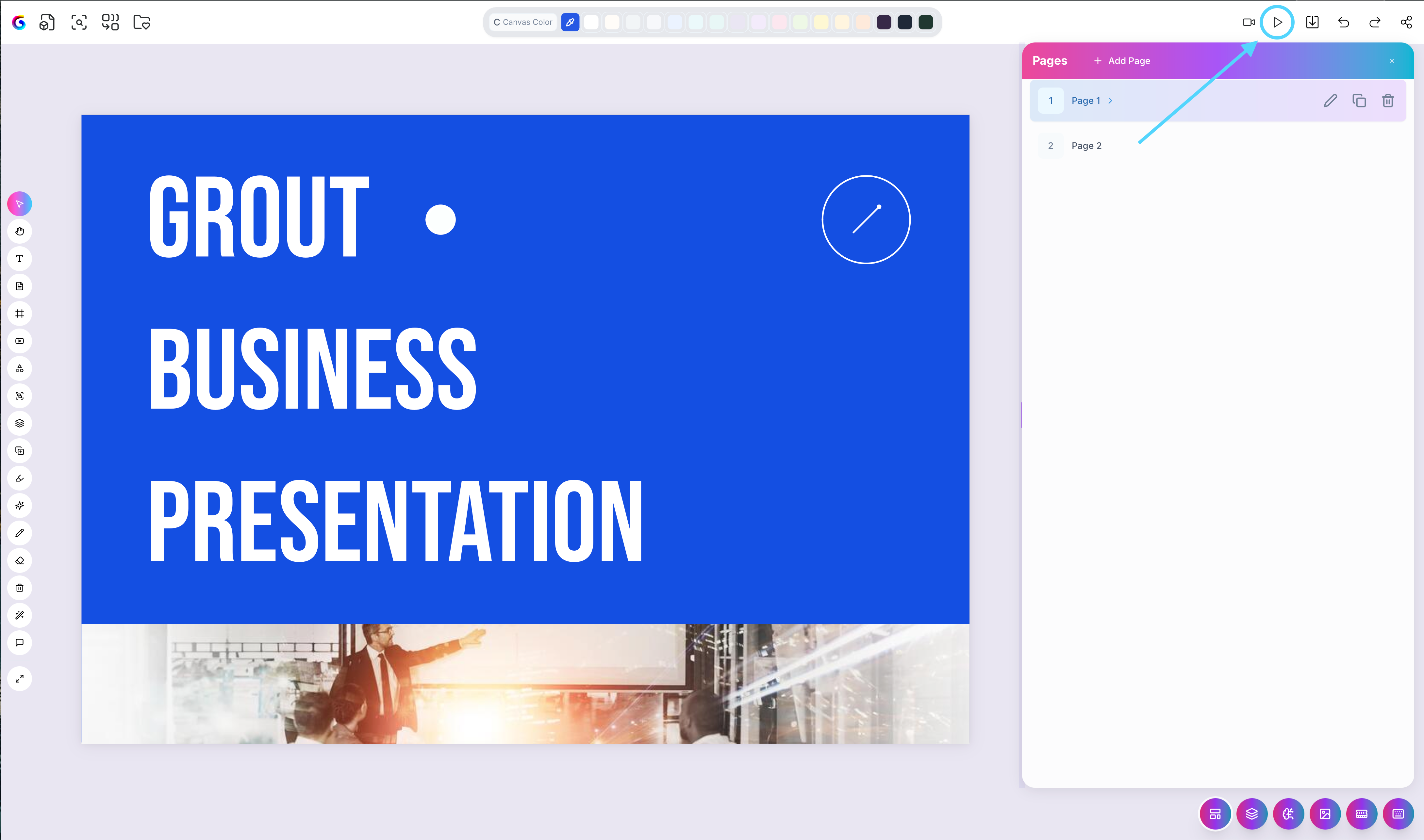
Select Present Now.
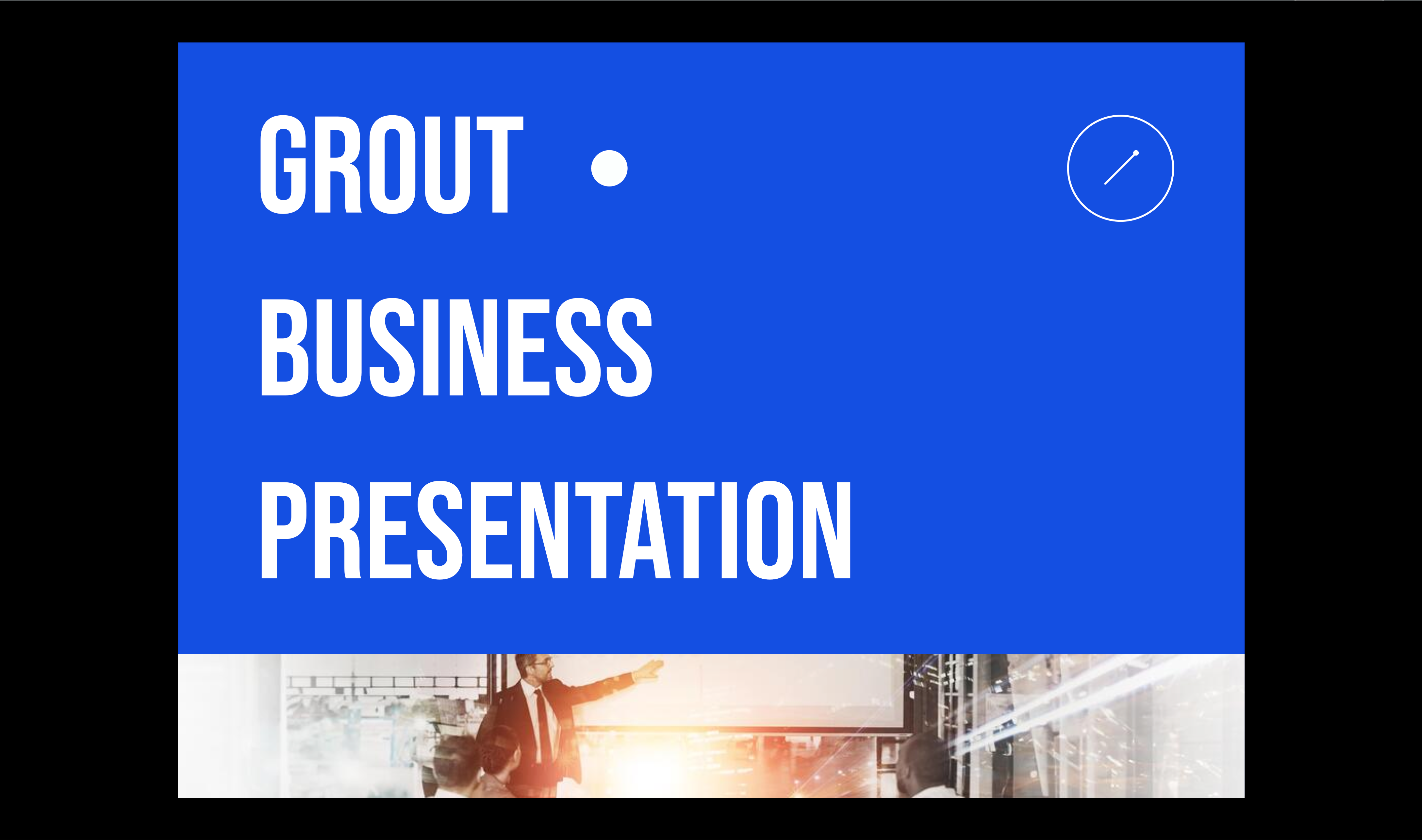
Your canvas opens as a full-screen interactive slideshow.
When to use it
Teaching a class directly from your prepared materials
Walking a manager or group through a project
Reviewing your own work in a clean, full-screen view
Present, export, or both
Present Now is for live delivery. If you also need a file to leave behind, export the same project to GRT, PDF or JPEG — see Exporting to GRT, PDF and JPEG.
Was this helpful?
Still need help? Ask the team