Installing Grout Code
Download, install, and launch the Grout Code IDE.
Written By Grout
Last updated 4 months ago
Grout Code runs as a desktop IDE. This article covers installation and first launch.
Install
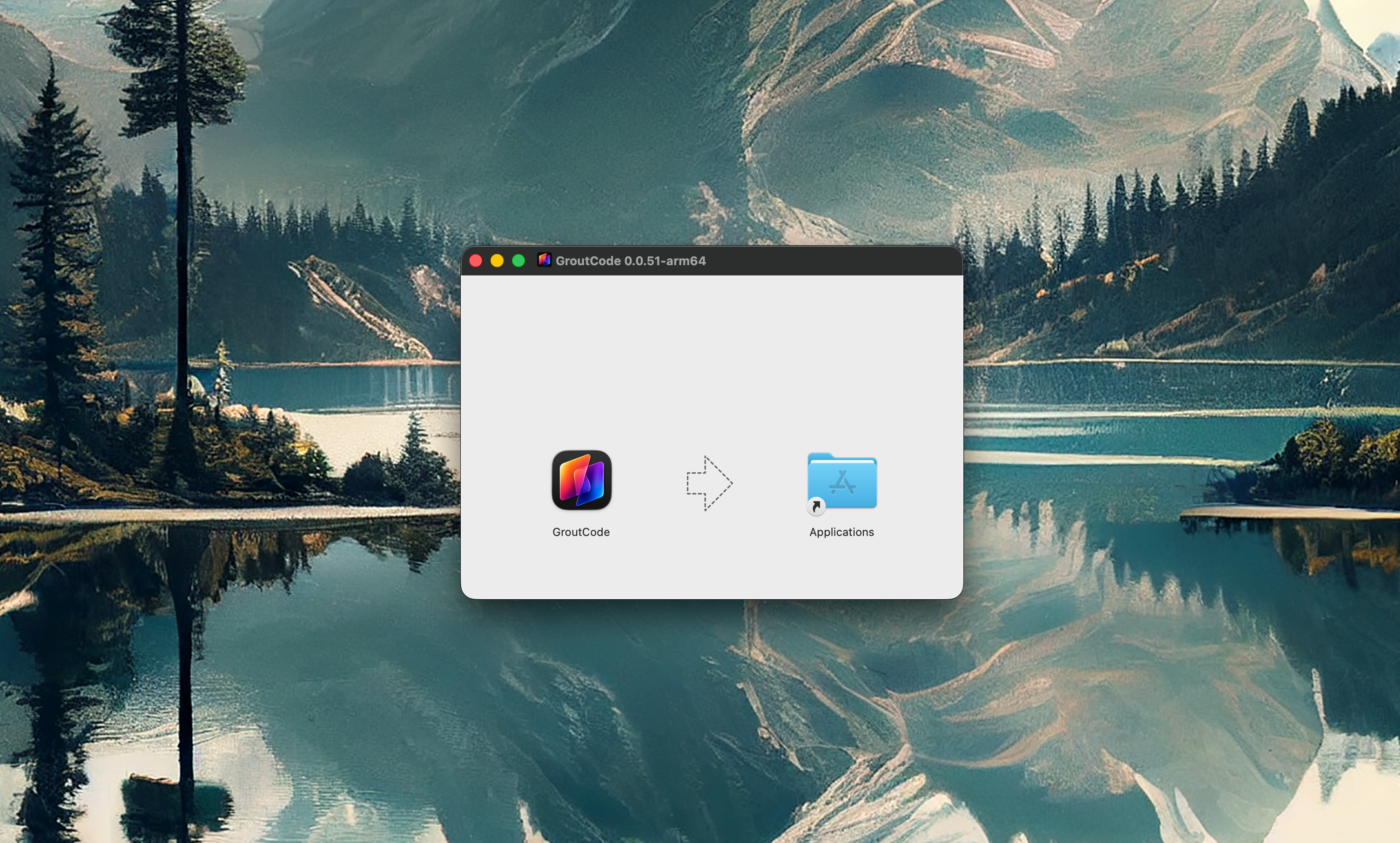
Download the installer for your operating system from the Grout website. -
Run the installer and follow the on-screen steps.
Launch Grout Code.
Sign in with your Grout account — one account works across App, Code, and Film. See Unified One-Click Sign-In.
First launch
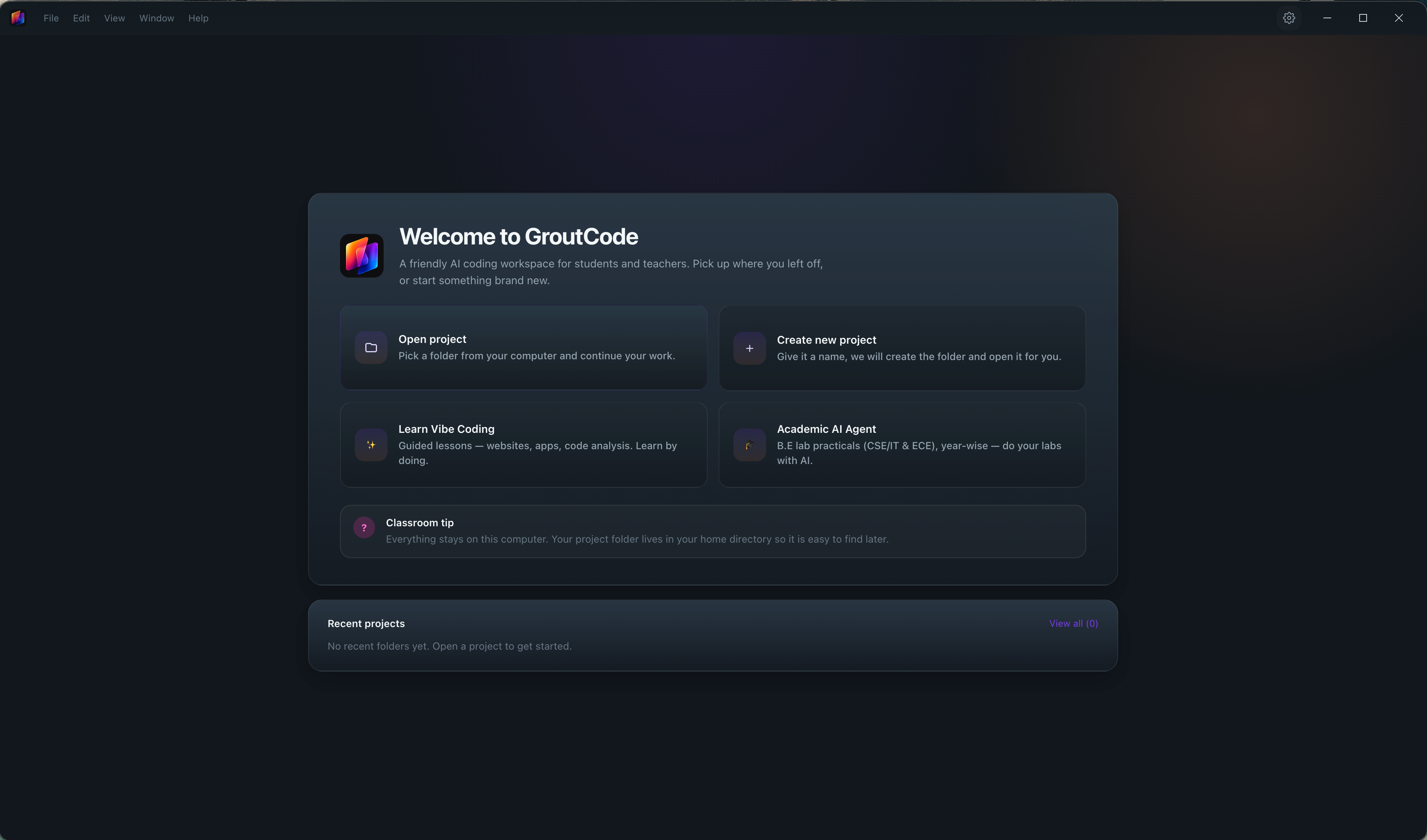
On first launch you can open an existing project folder or start a new one. Once a project is open, the five workflows — Plan, Agent, Team, Debug, and Ask — are available from the workflow bar.
Was this helpful?
Still need help? Ask the team