Installing Grout App: desktop setup & system requirements
How to download, install, and launch the Grout App desktop application.
Written By Grout
Last updated 5 months ago
Grout App runs as a desktop application so that the canvas, Local AI, and offline mode all work reliably on your own machine.
Before you install
Make sure your computer meets the baseline requirements for a smooth experience, especially if you plan to run Local AI models.
A modern Windows or macOS computer.
Enough free disk space for the app plus any Local AI models you download.
A Wi-Fi connection on the same network as your phone, if you want to use phone scanning.
Installing the app
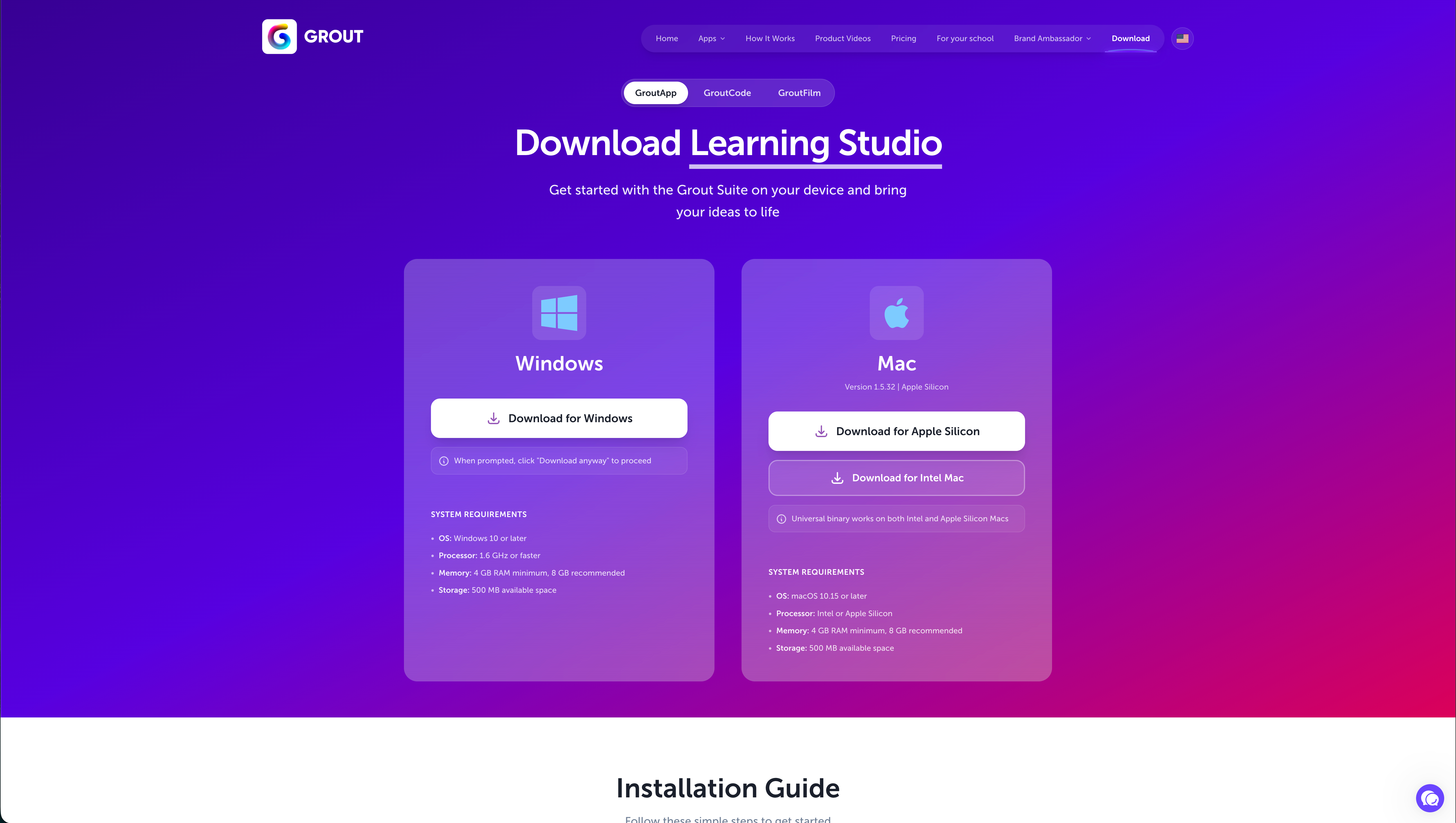
Download the installer for your operating system from the Grout App website.
Open the downloaded file and follow the on-screen installation steps.
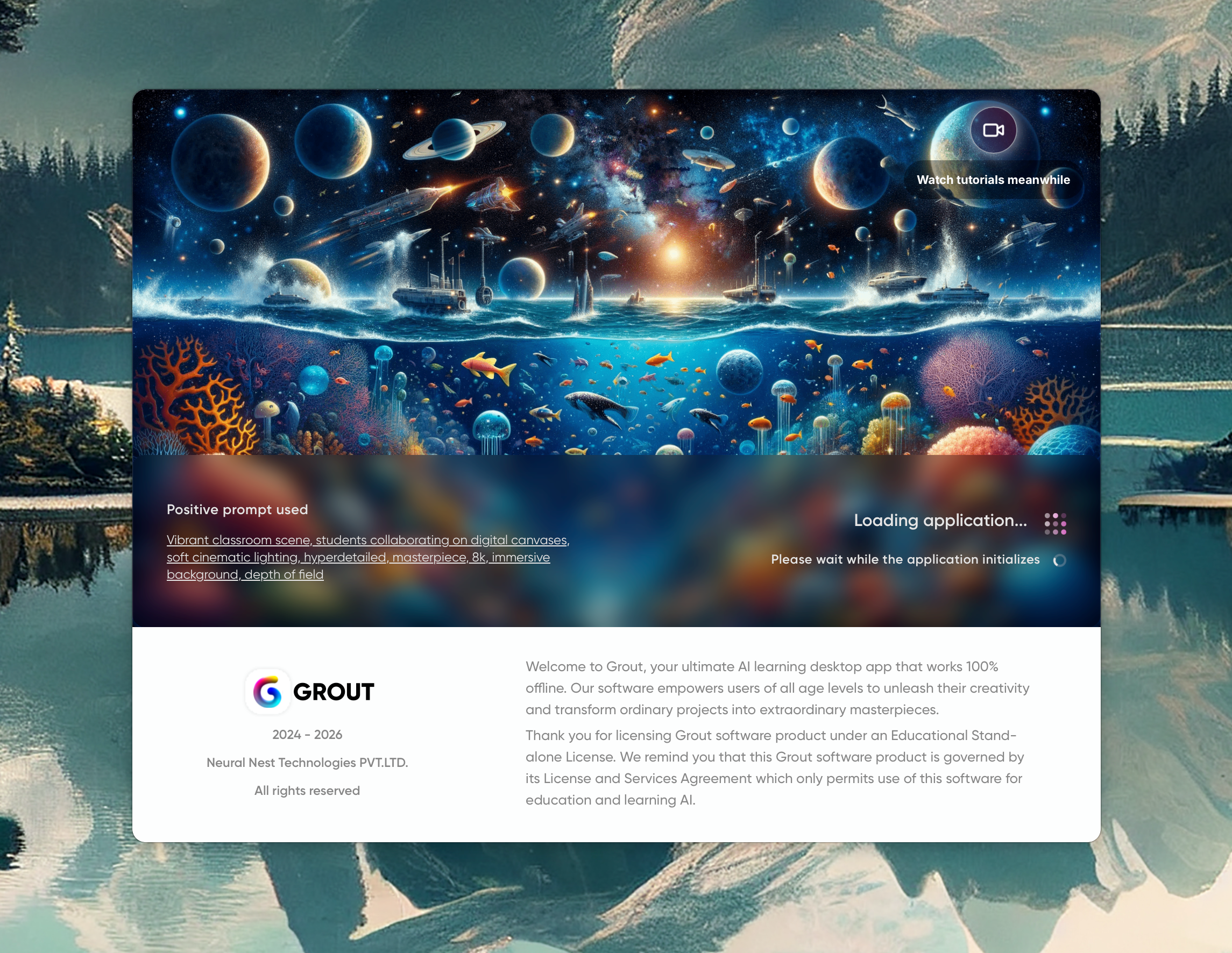
Launch Grout App once installation finishes.
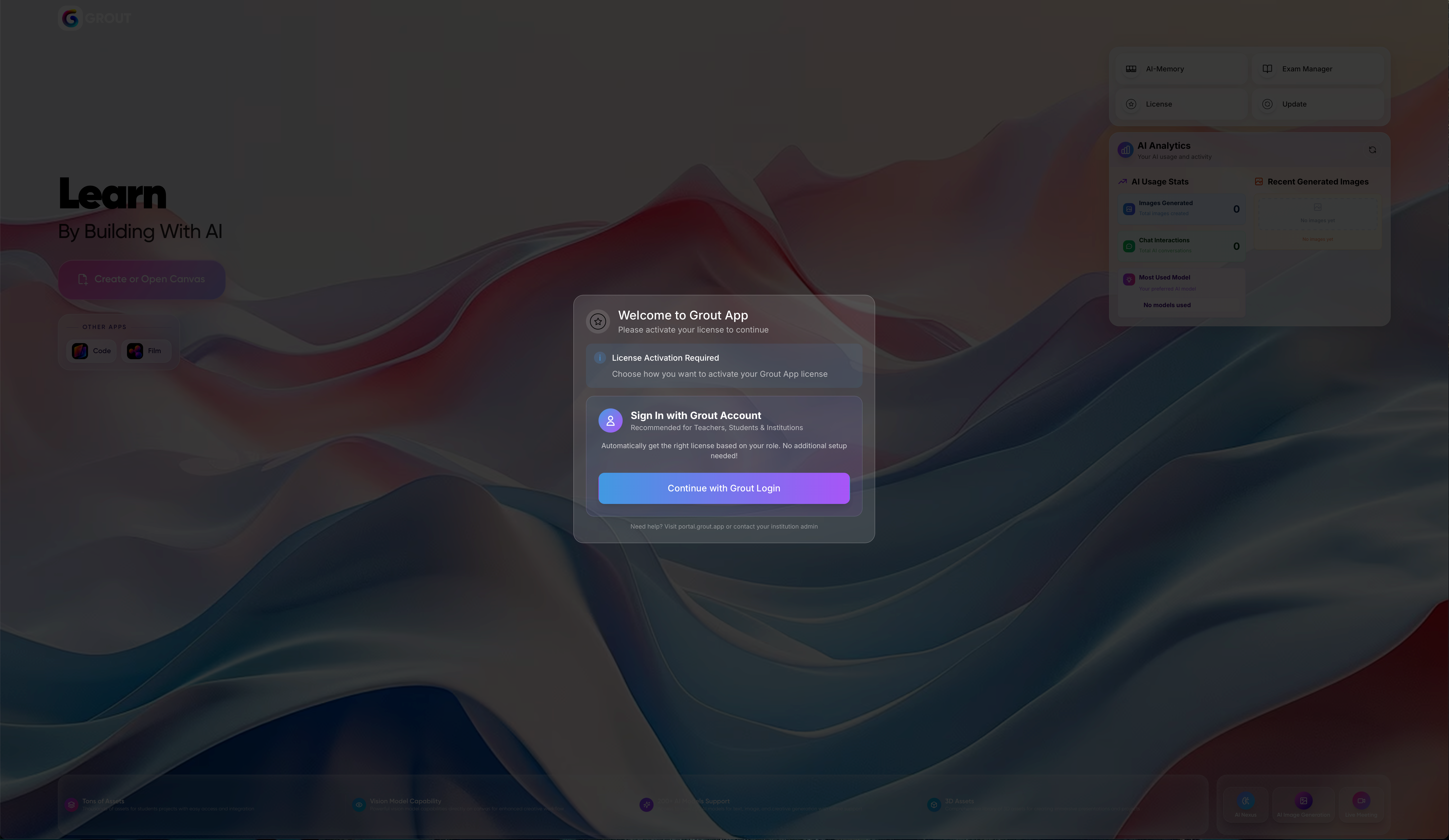
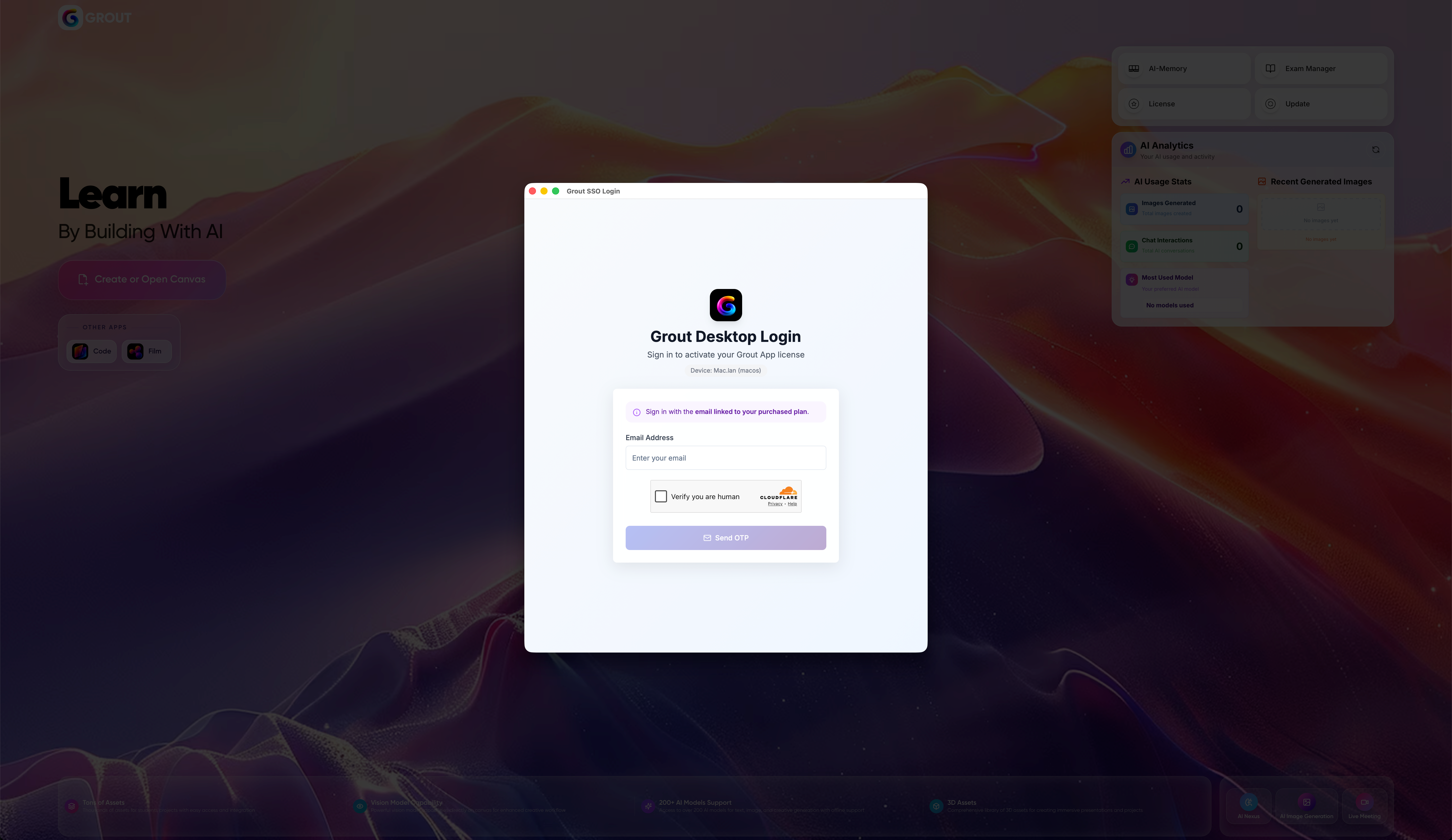
Sign in or create your account.
First launch
On first launch you'll land on an empty canvas. From here you can start uploading materials to your AI-Memory or begin a project right away. If you intend to work offline later, open the app at least once while connected so your account and core tools are ready.
Troubleshooting installation
Installer won't open: confirm you downloaded the correct version for your operating system.
App won't launch: restart your computer and try again.
Still stuck? Post on the Feedback board so the team can help.
Was this helpful?
Still need help? Ask the team