Quick-start: building your first canvas
A step-by-step walkthrough to go from an empty canvas to your first AI-grounded project.
Written By Grout
Last updated 5 months ago
This walkthrough takes you from a blank canvas to a finished, document-grounded piece of work in a few steps.
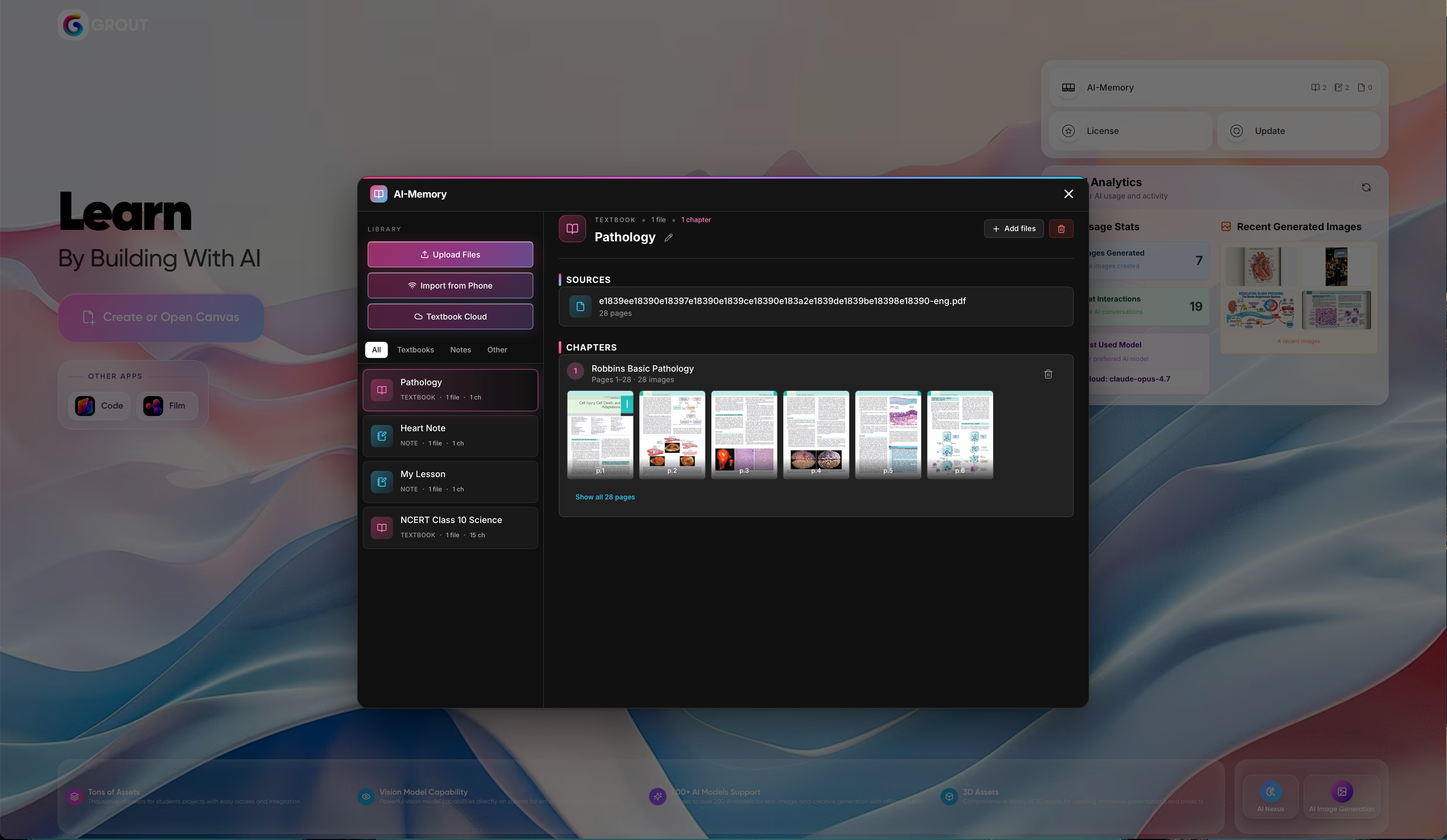
Step 1: Add material to your AI-Memory
Upload a PDF, past paper, or set of notes. Grout App automatically breaks it down, organizes it by subject, and makes it searchable. See Uploading PDFs & documents for details.
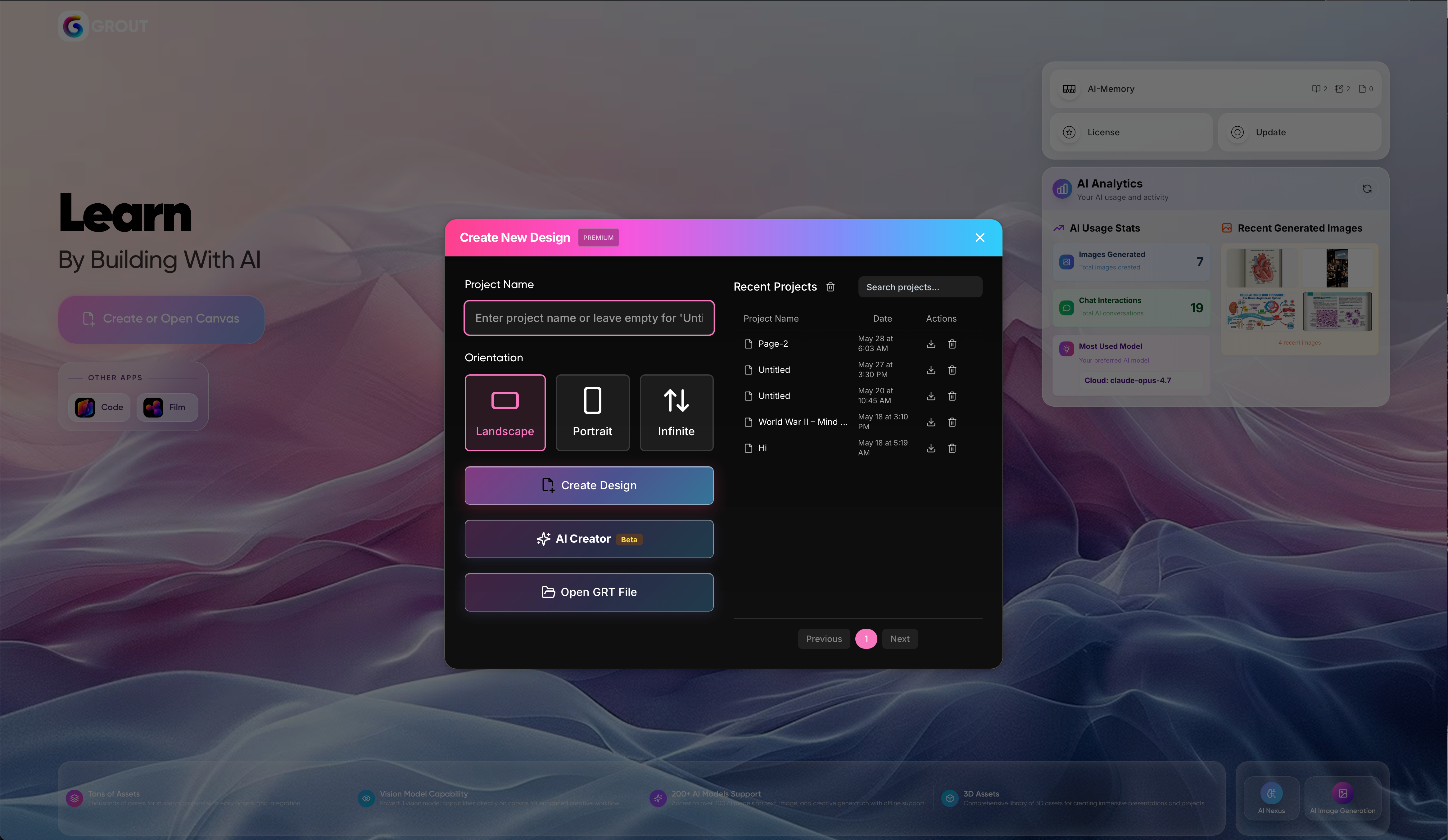
Step 2: Open a canvas
Start a new canvas. This is your workspace for the project.
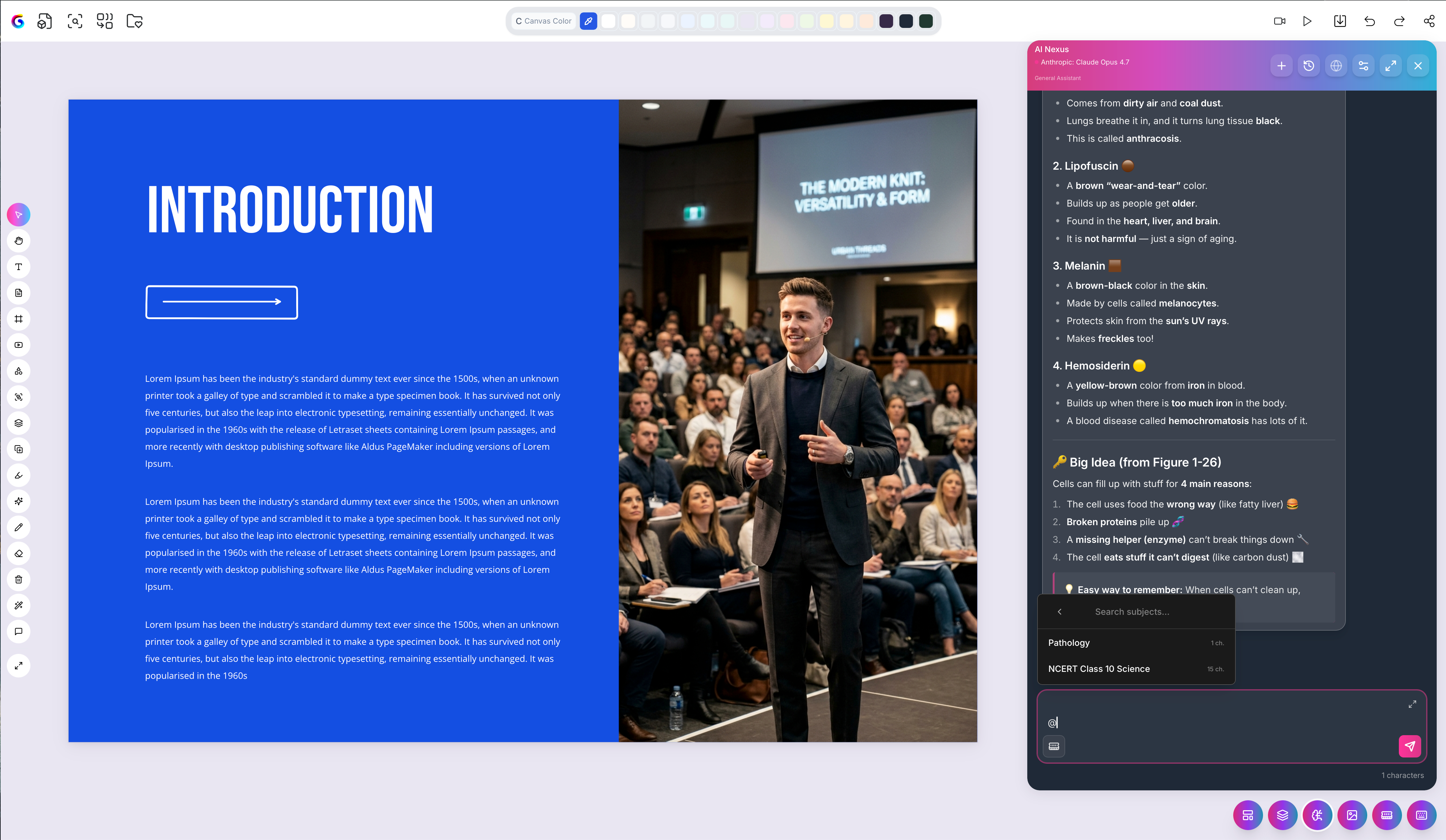
Step 3: Summon your context with @
Type the @ symbol to pull a specific file from your AI-Memory into the prompt — for example @LectureNotes. This locks the AI's answer to that source instead of the open internet.
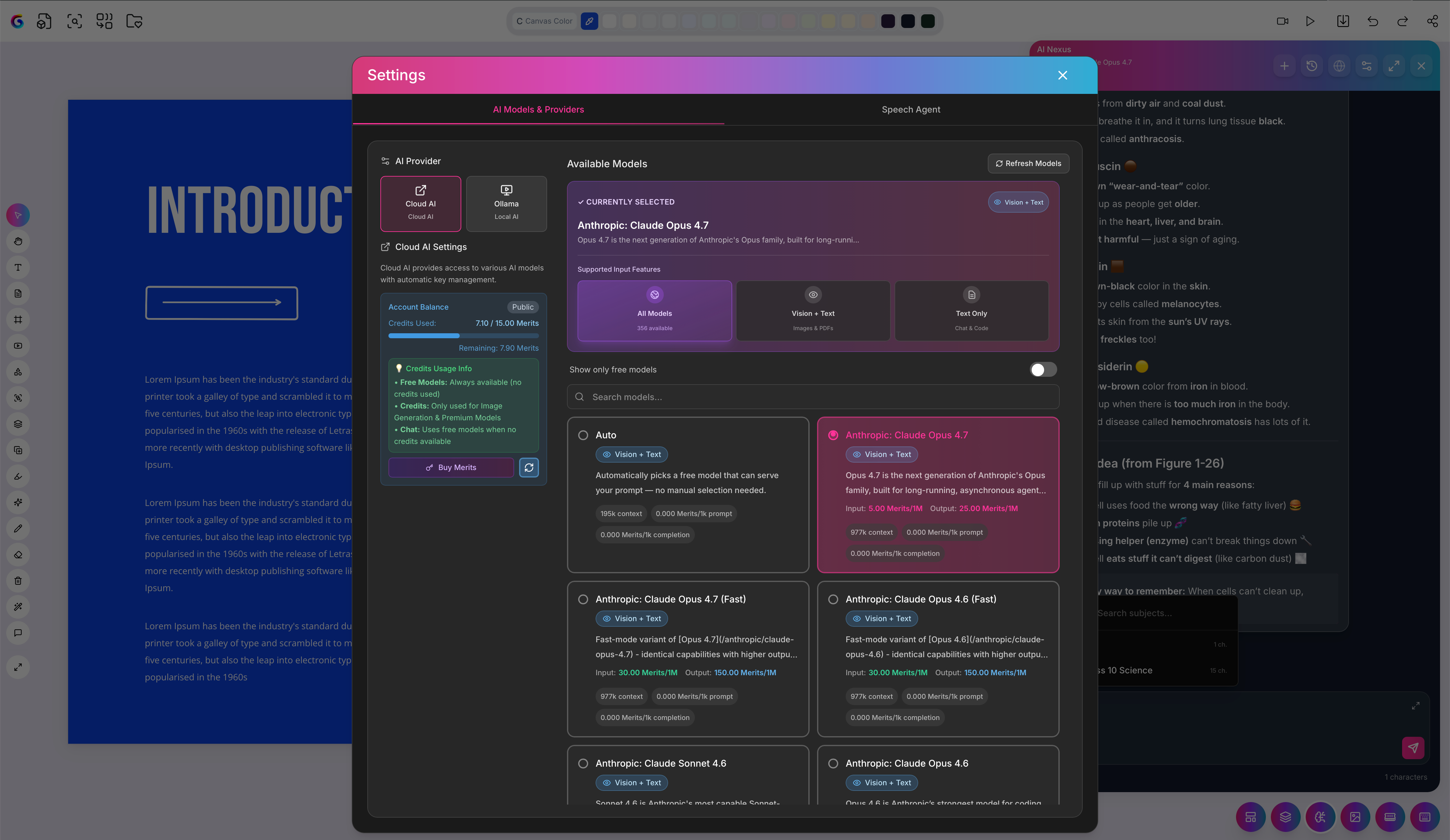
Step 4: Generate and refine
Ask for a summary, an explanation, or a lesson plan. Try switching models to compare how different ones handle the same prompt.
Step 5: Add visuals
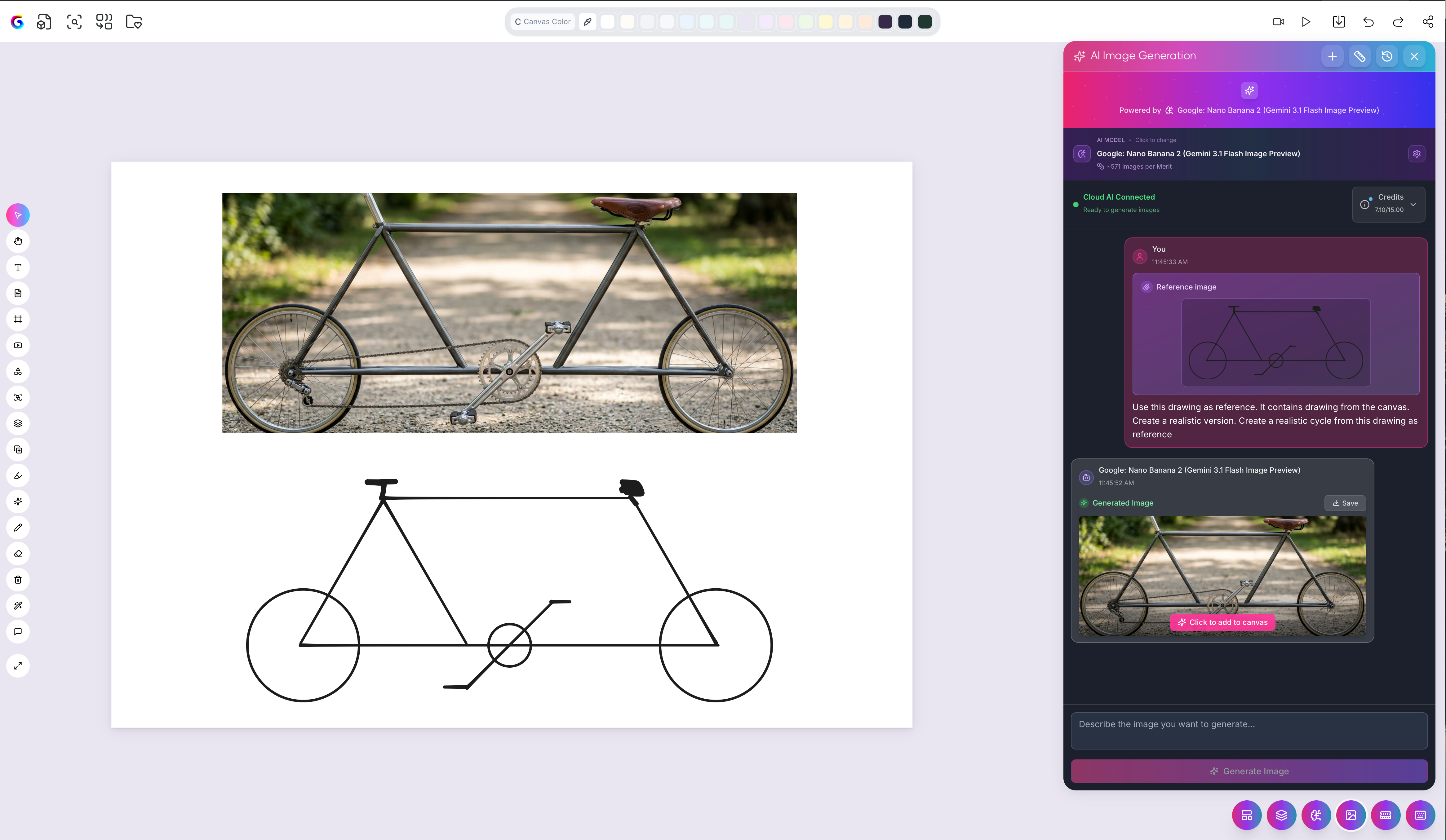
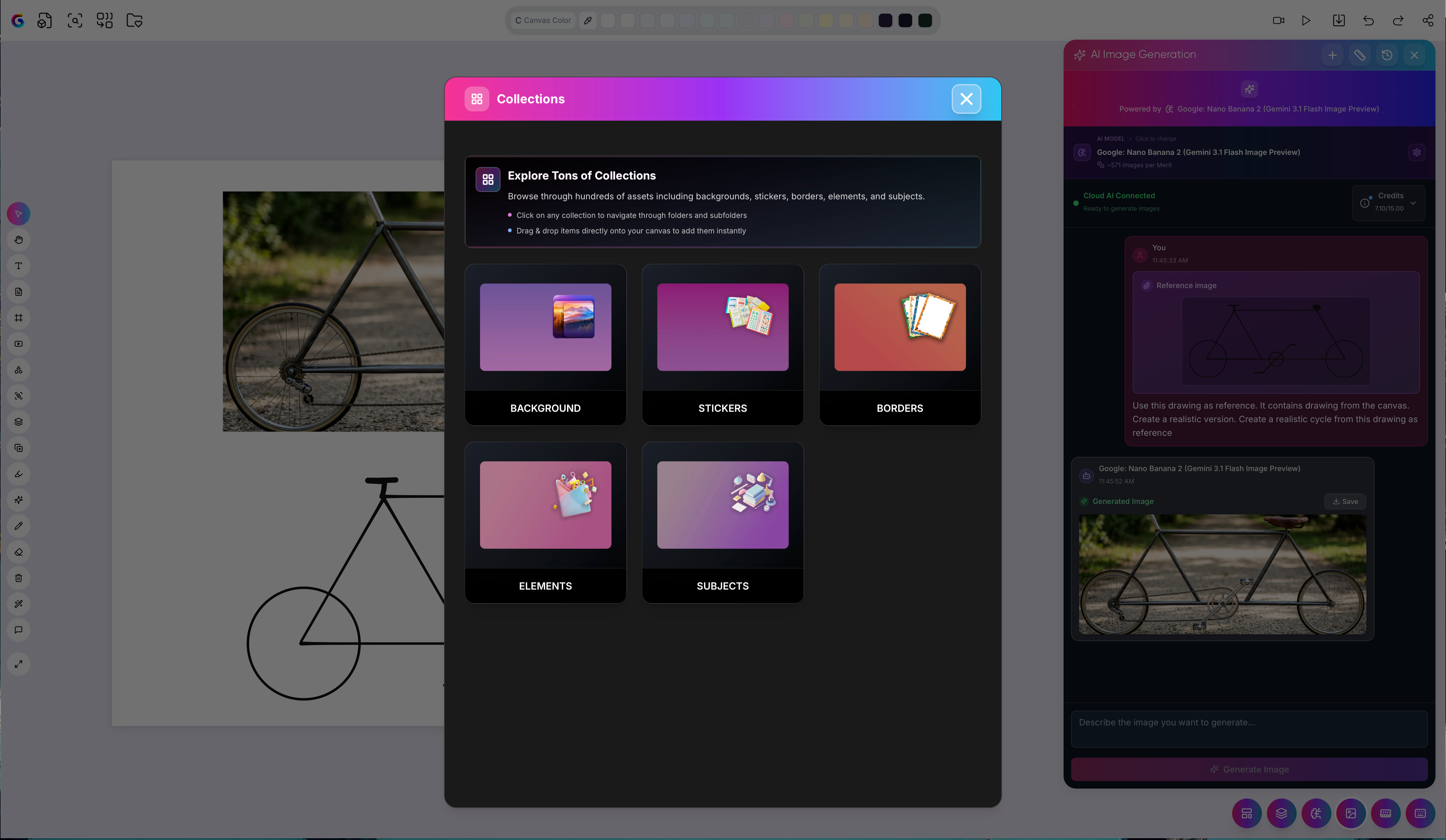
Sketch a rough outline and use the Draw-to-Image Engine to render it, or pull elements from the Asset Library to polish the page.
Step 6: Export or present
When you're done, export to PDF or JPEG, or launch a full-screen slideshow with Present Now.

That's a complete project loop — material in, grounded work out.
Was this helpful?
Still need help? Ask the team