Using AI Creator to build teaching materials
Generate template-driven lesson plans, case studies, and visual aids from your curriculum.
Written By Grout
Last updated 4 months ago
AI Creator is built specifically for educators and creators. It generates template-driven teaching materials based on the curriculum you've uploaded to your AI-Memory.
What you can generate
Structured lesson plans
Case studies
Visual aids
Other template-driven teaching materials
How it works
Make sure your curriculum or source material is in your AI-Memory.
Open AI Creator on the canvas.
Choose the type of material you want to create.
Reference your uploaded curriculum so the output is grounded in it.
Generate, then refine the result on the canvas.
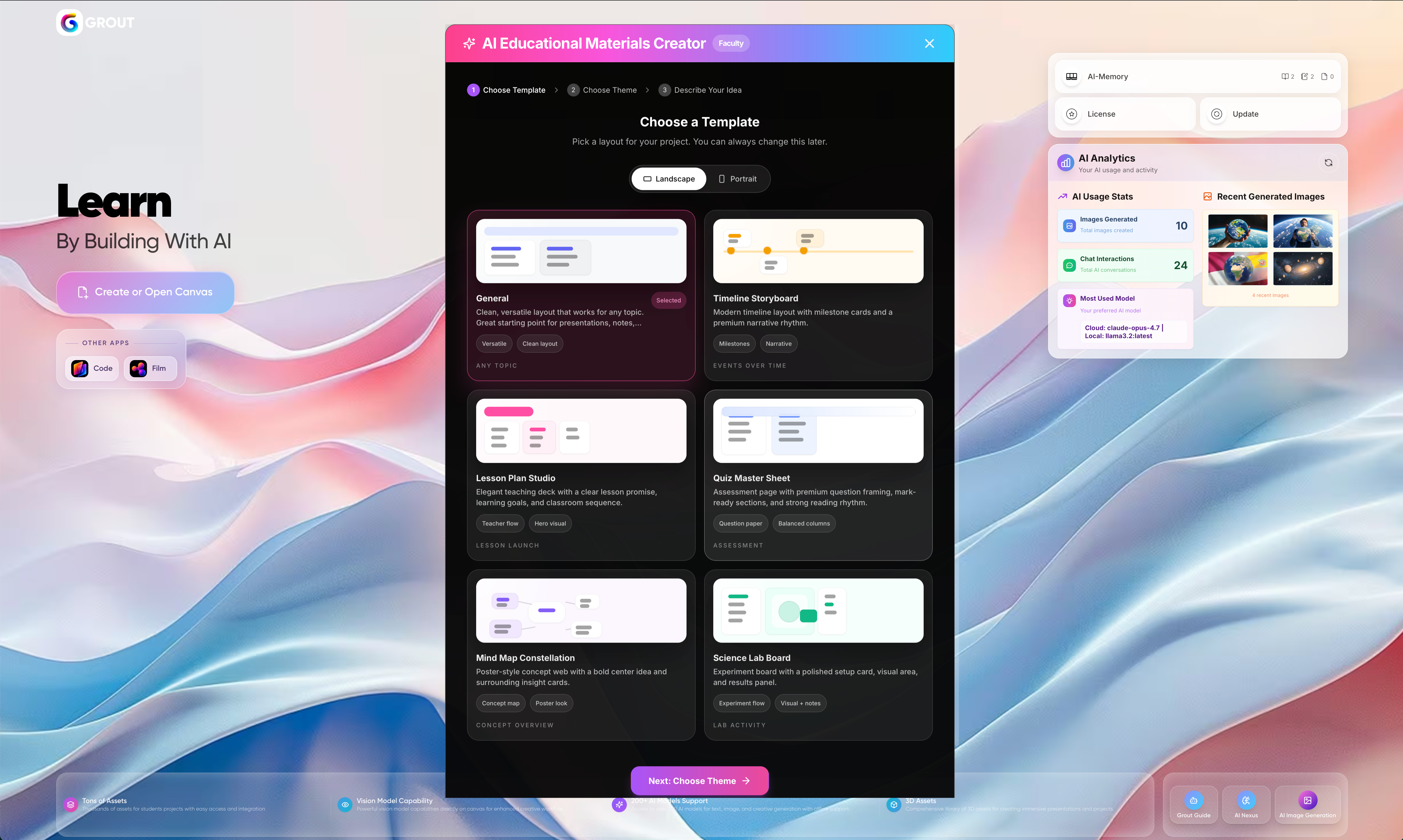
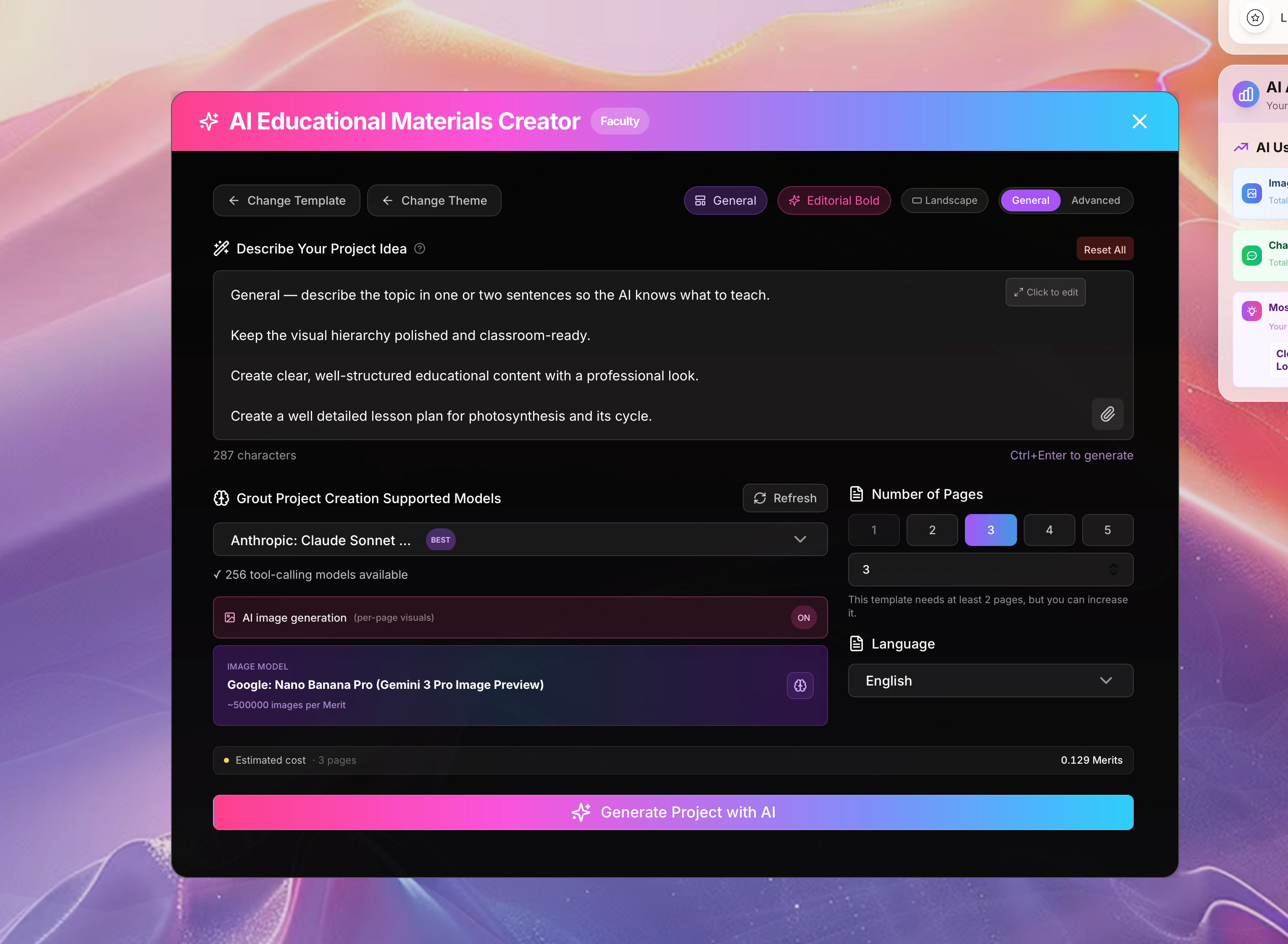
Why it's built for educators
Because AI Creator works from your uploaded curriculum, the materials it produces match what you actually teach — not a generic template from the web. Combine it with Context-Locked Prompting to keep every generated resource tied to your syllabus.
Polishing the result
Use the Asset Library to add UI elements, 3D icons, and dividers to your finished materials — see The Asset Library.
Was this helpful?
Still need help? Ask the team