Cloud vs offline image generation: when to use which
Decide between cloud and offline models based on quality, Merits, privacy, and connectivity.
Written By Grout
Last updated 4 months ago
Both cloud and offline image generation are available in Grout App. This article helps you pick the right one for each job.
Cloud models
Best for: highest-quality results when you want the most capable models.
Use your Merits.
Require an internet connection.
Best when quality matters more than anything else.
Offline models
Best for: private, free, always-available generation.
Do not consume Merits.
Work without an internet connection — once the model is downloaded.
All prompts and generated images stay on your machine.
CPU models (Bonsai, Stable Diffusion) run anywhere; Flux uses your GPU when available.
Quick decision guide
Need the absolute best quality? Cloud.
Working offline or about to lose connection? Offline.
Want to conserve Merits? Offline.
Sensitive or private subject matter? Offline.
Iterating heavily and running many generations? Offline keeps it free; switch to cloud for final passes.
You can switch any time
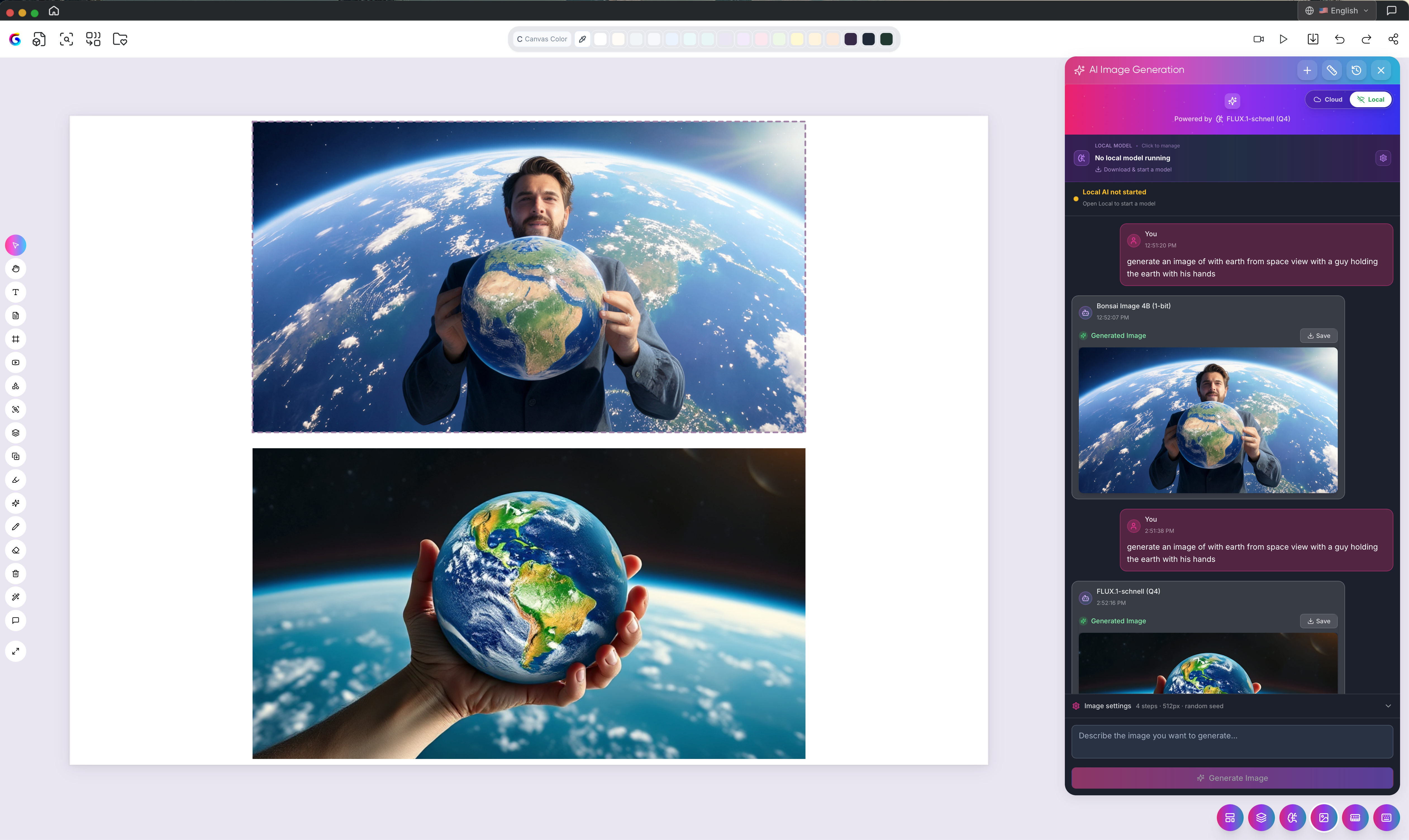
The model picker lets you toggle between cloud and offline for every generation. Try offline for drafts and switch to cloud for hero images — or vice versa.
Related
Offline image generation: overview
Understanding and managing Merits
Working offline with Grout App
Was this helpful?
Still need help? Ask the team