Offline image generation: overview
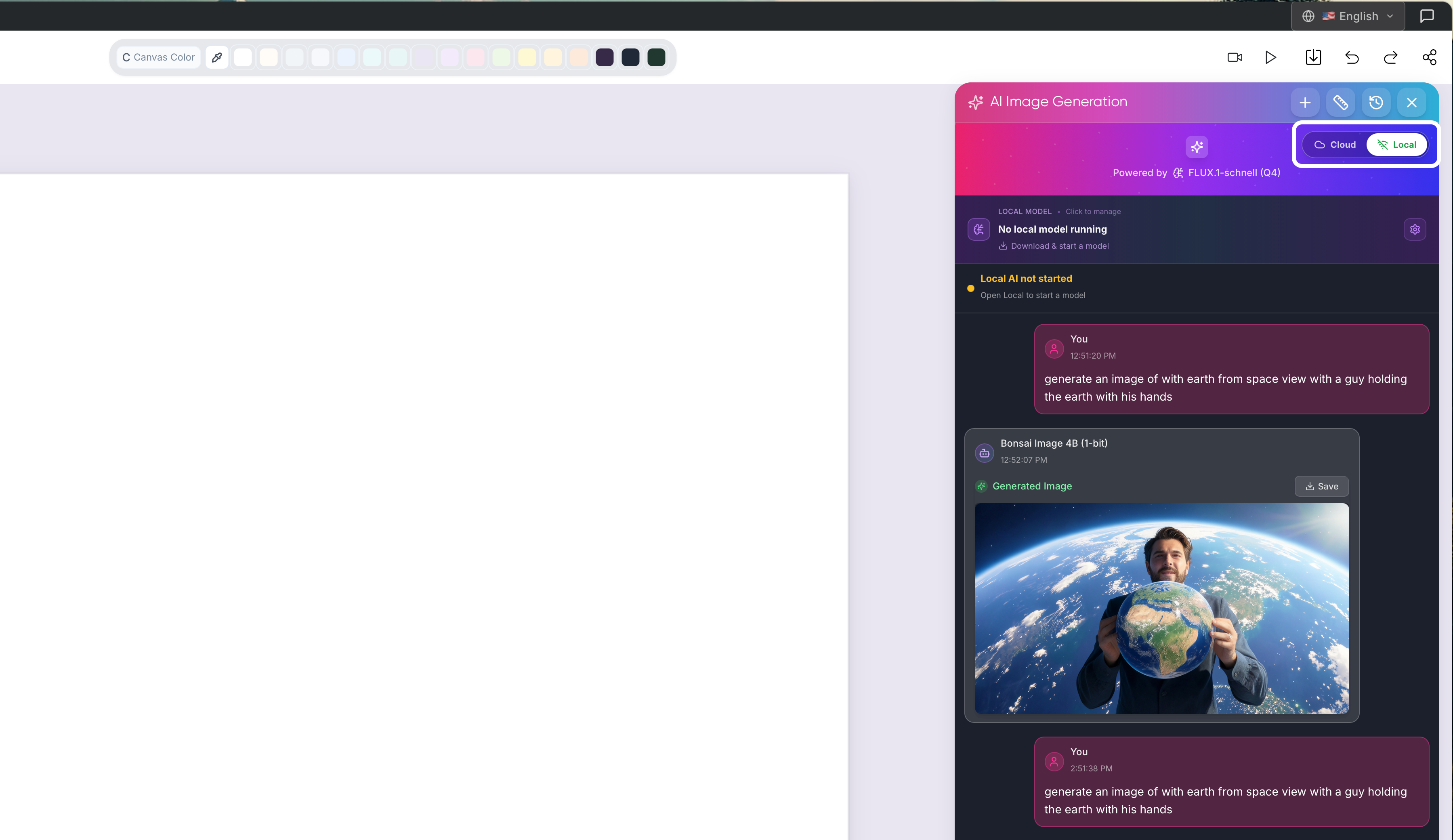
Generate images entirely on your machine with Bonsai, Stable Diffusion, or Flux — no Merits consumed.
Written By Grout
Last updated 4 months ago
Grout App can generate images entirely offline, alongside the cloud option. You choose per generation whether to use a best-in-class cloud model or a local model that runs on your machine.
Cloud vs offline at a glance
Cloud models — best quality, but use your Merits.
Offline models — run locally on your machine, do not consume Merits, and work without an internet connection.
The offline models
Bonsai — CPU-based, runs on any modern machine.
Stable Diffusion — CPU-based, broadly compatible.
Flux — GPU-based, higher quality when you have a supported GPU.
GPU acceleration
For GPU models like Flux, Grout App automatically uses Metal (macOS), CUDA (NVIDIA), or Vulkan when available — you don't have to configure anything.
How models work
You download a model once, and then it runs fully offline. Your prompts and generated images never leave your machine when you use an offline model.
What this means for Grout App
With offline image generation joining Local AI and the offline-first canvas, Grout App is now 100% offline-capable — research, prompt, generate, and create end-to-end without an internet connection.
Where to go next
Downloading and running local image models
Adding custom GGUF models from HuggingFace
GPU acceleration: Metal, CUDA, and Vulkan
Cloud vs offline image generation: when to use which
Was this helpful?
Still need help? Ask the team