Building a curriculum in the Curriculum studio
Generate, review and publish a curriculum from a syllabus or your AI-Memory books.
Written By Grout
Last updated 20 days ago
The Curriculum studio turns a syllabus into a full course: a map of concepts, lessons for each concept and practice questions. It has three steps: Generate, Review and Publish.
Teachers open it from the Curriculum tab. Students and public learners build their own from My curricula.
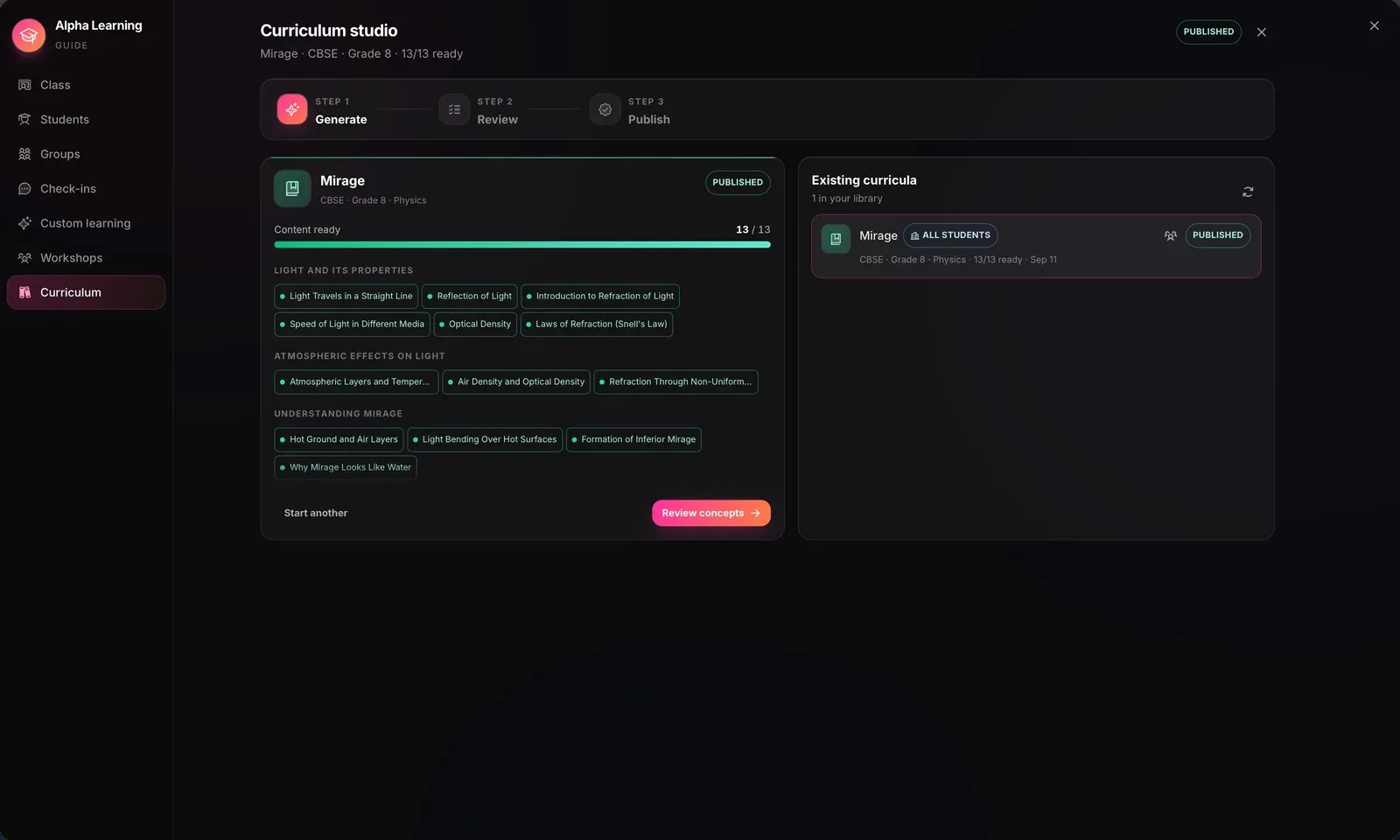
Generate
Enter the title, subject and grade.
Optionally paste the Syllabus text (up to 20,000 characters).
Optionally press Add from AI Memory and pick textbook chapters, then Autofill from memory. You choose whether to keep what you typed, fill only empty fields, or replace everything.
Pick the Generation model and press Generate. Grout first builds the concept map, then writes lessons and practice for every concept.
Review
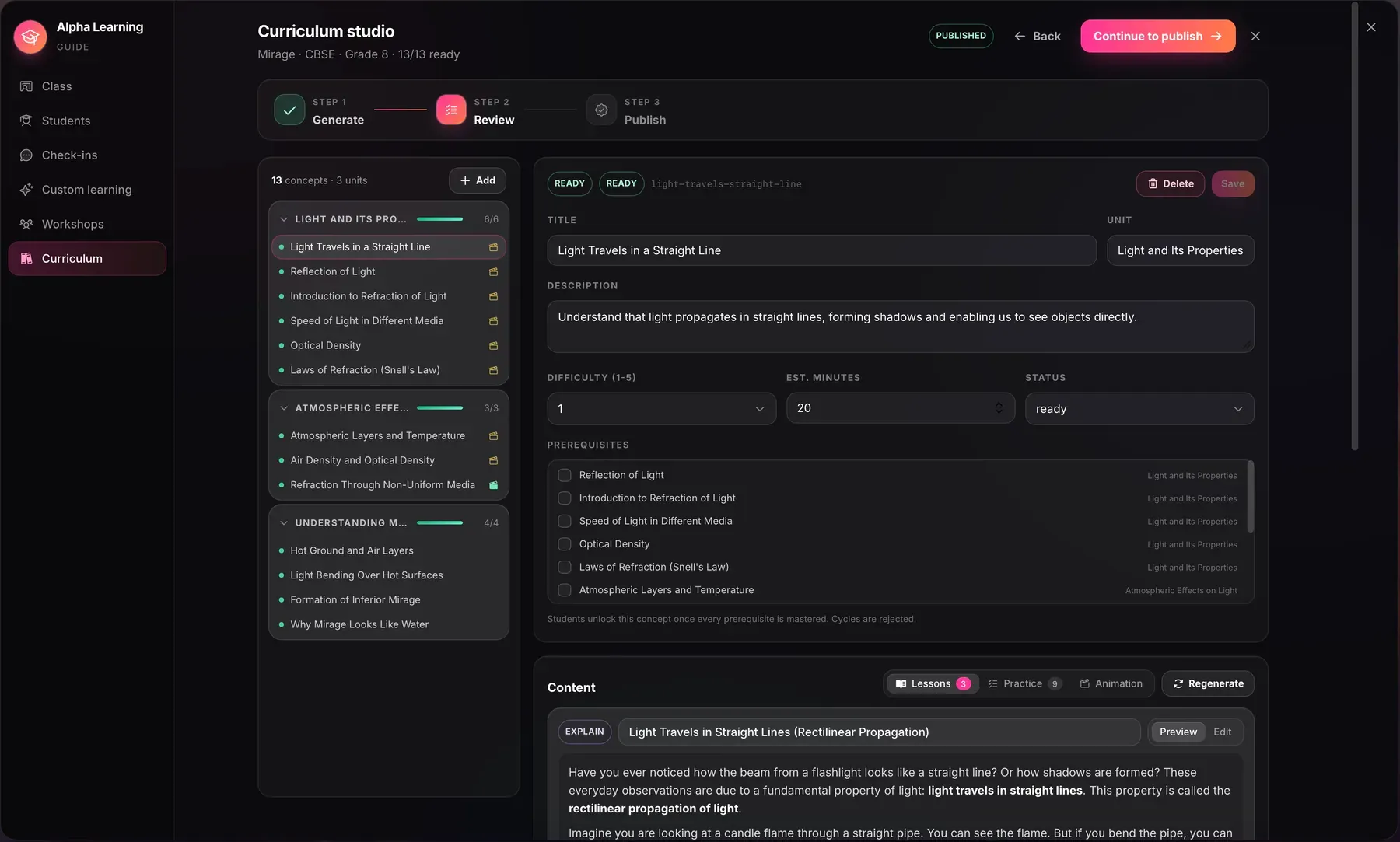
Edit concept names, prerequisites, lesson text, practice items and difficulty.
Press Regenerate on anything you want rewritten, or Add concept to add your own.
A topic stuck as pending shows Generate this topic.
Publish
Publishing is allowed once the readiness checks pass: at least one concept, the concept map is generated, every concept has content and nothing failed. Then press Publish and set the audience (see Groups, audience and enrolling students).
Students' own curricula (My curricula → Publish to my plan) stay private to them.
Costs
Grout Cloud models use Merits.
Your own key uses no Merits. Keep Grout open until every topic is written.
Local models use no Merits, but are slower and Grout must stay open.
Tips
Scanned PDFs need a cloud model that can read images.
Tick attach as course material to give the book chapters to the AI teacher as well.
"Not enough Merits" or "Your cloud AI key is not set up yet" means switch model or top up.
Was this helpful?
Still need help? Ask the team