Topic animations
Generate narrated animated explainers for curriculum topics and publish them to students.
Written By Grout
Last updated 20 days ago
Grout can turn a topic into a short animated explainer with voiceover.
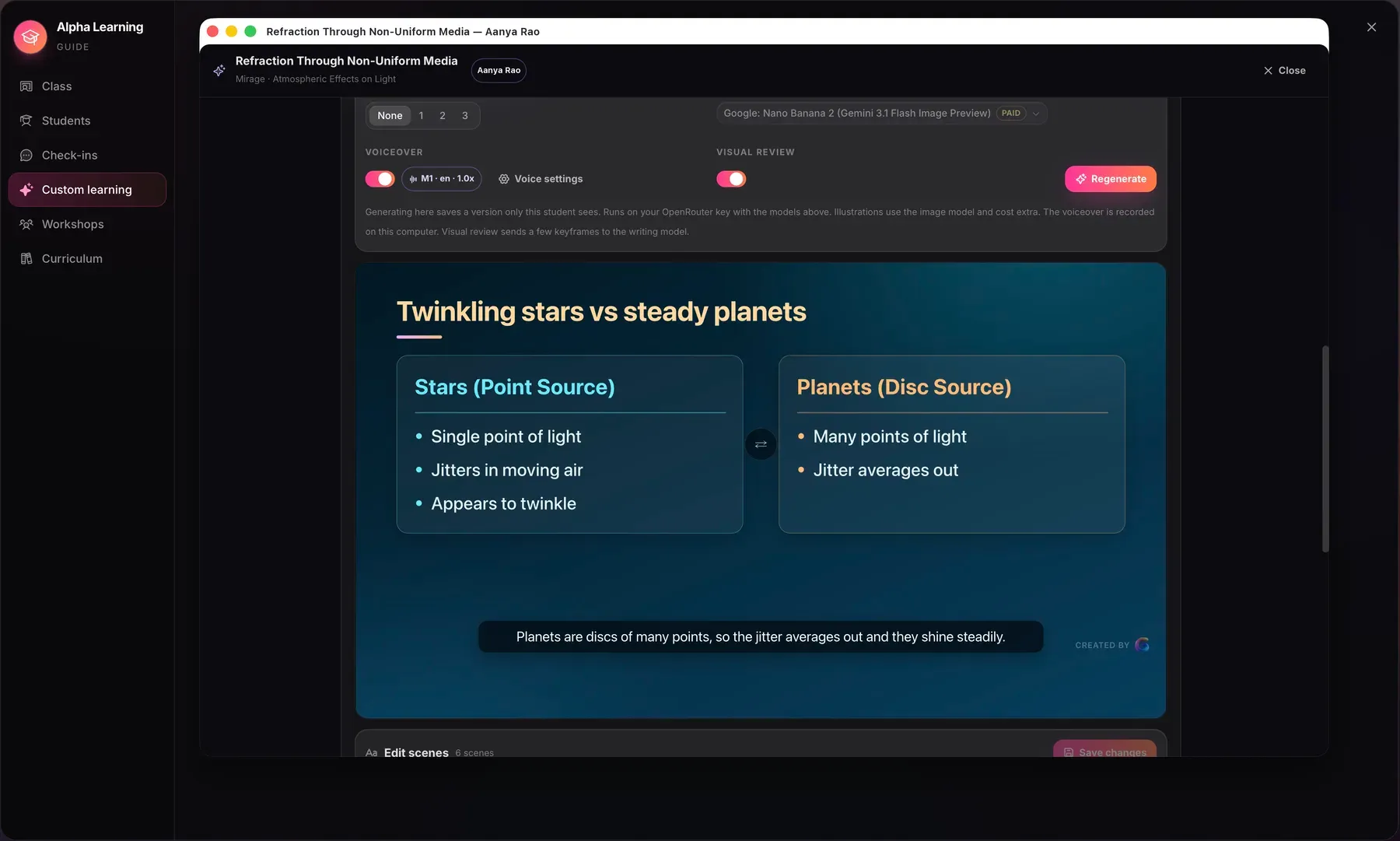
One topic
In the Curriculum studio, go to Review, open a topic and choose Animation.
Pick the style: Modern (animated scenes, full editor) or Generic (clean slides, quick edits).
Choose the Writing model, optional AI images with an image model, and Voiceover (recorded on this computer; see Voice settings).
Optionally turn on Visual review, which checks keyframes for overlaps (needs a cloud model that reads images).
Generate, preview with Open editor, then publish (Visible to students).
Save animation video downloads it.
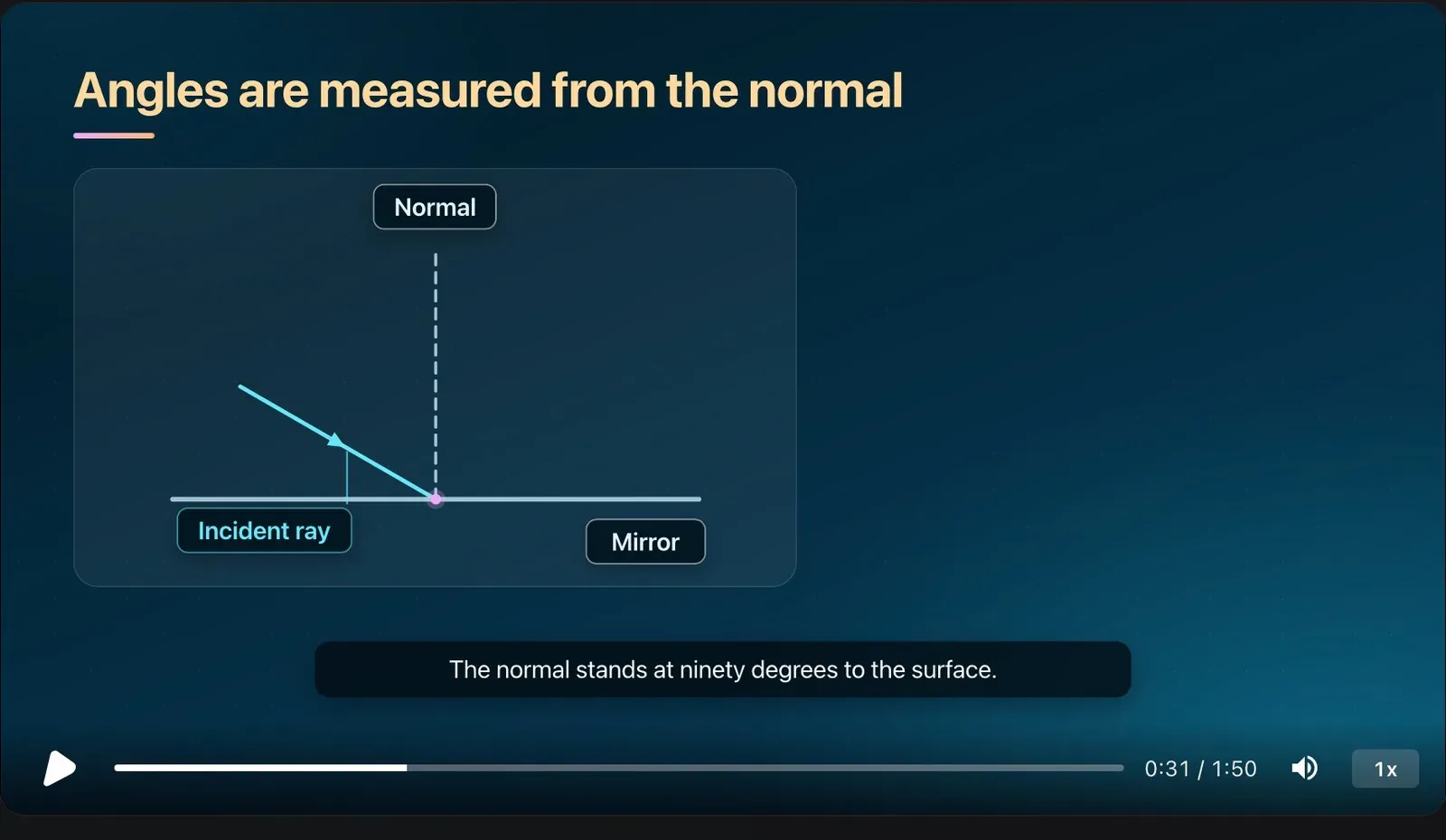
Many topics at once
Use the Topic animations card: Generate animations for N topics, and tick Publish as they finish.
Costs and tips
Uses Merits. AI images cost extra; figures taken from the book chapter are free.
A topic with no lessons cannot be animated.
"The animation did not load" usually means a lost internet connection.
Was this helpful?
Still need help? Ask the team