Circuit board parts, import and export
Add real parts, import KiCad or a schematic, export Gerbers, KiCad and parts lists, and open the board in 3D CAD.
Written By Grout
Last updated 20 days ago
Add real parts
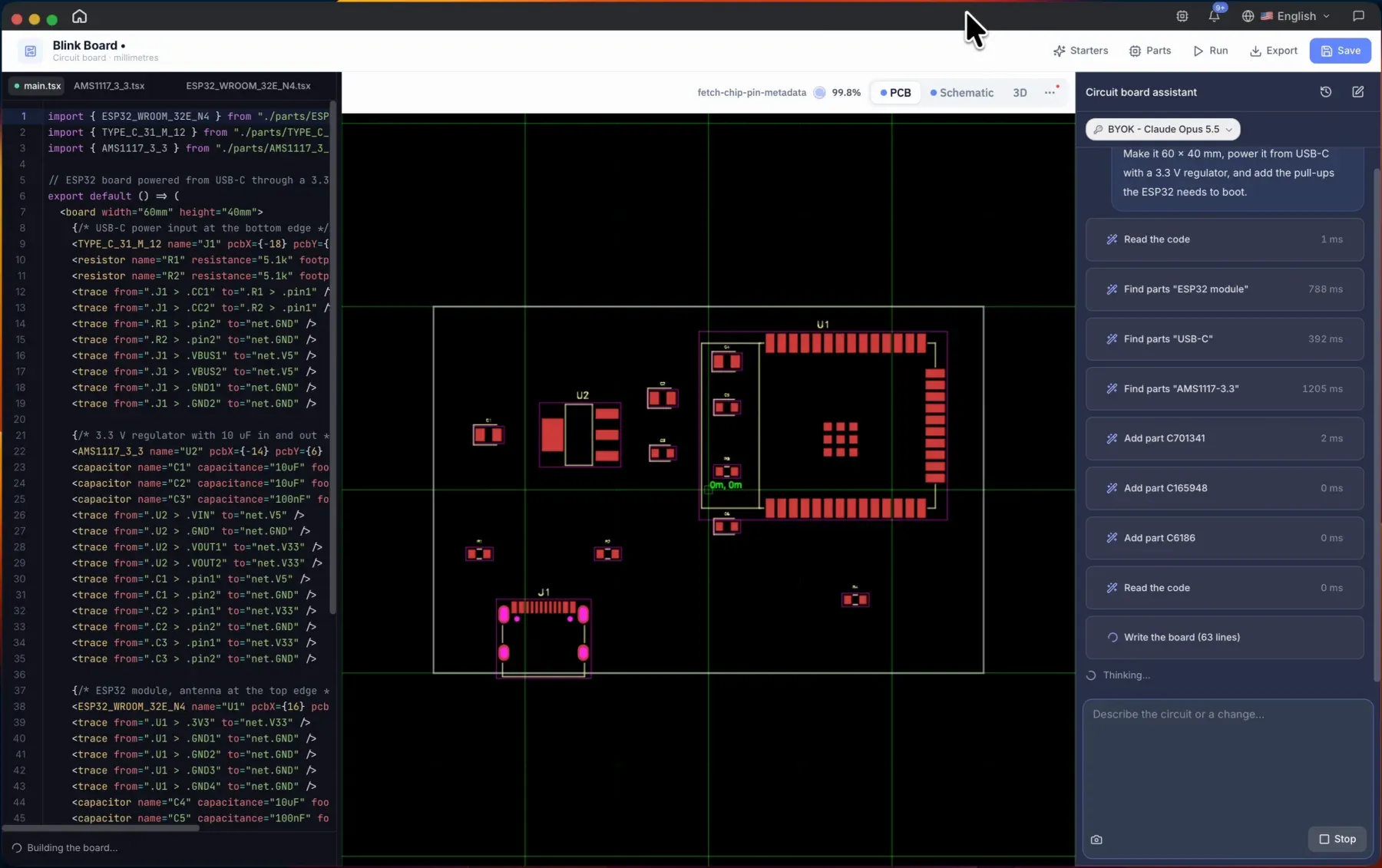
Open Parts → Add a real part.
A built-in shelf of 21 common parts that works offline: ESP32 modules, USB-C, micro USB, microSD, AMS1117, TP4056, CH340C, WS2812B, buttons, transistors, crystals and more.
An online catalogue search by name or part number (needs internet).
Import
KiCad board (
.kicad_pcb)Schematic to rebuild – PDF, SVG, picture or
.kicad_sch; the assistant rebuilds it.Board code (
.tsx) or Grout circuit board (.grtboard)
Export
Gerbers (zip ready for a board maker)
KiCad project
Schematic / Board / Assembly / Pinout SVG
Parts list CSV
3D model GLB and STEP
Circuit JSON
Edit in 3D CAD
Edit in 3D CAD opens the board as a 3D part in a new 3D model tab — for example to design an enclosure around it.
Troubleshooting
"The part service is busy (rate limit)." Wait a minute.
"The board did not build." Read the errors under the code, or ask the assistant to fix them.
Was this helpful?
Still need help? Ask the team