Getting started with 3D models
Describe a part, attach a sketch or photo, and let the 3D model assistant build an editable CAD model.
Written By Grout
Last updated 20 days ago
The 3D model workspace is a full CAD studio with an AI assistant. Describe a part and it builds an editable model you can refine by hand and export for printing or CAD.
Create a 3D model
On Home, press Create, go to Engineering and choose 3D model.
Name it and press create. Or start from a sample: Sample Plate, Sheet Metal Bracket, Hinge Assembly, Plastic Enclosure, Bolted Flange or Vent Plate.
.grt3dfiles open from Open….
Build with the assistant
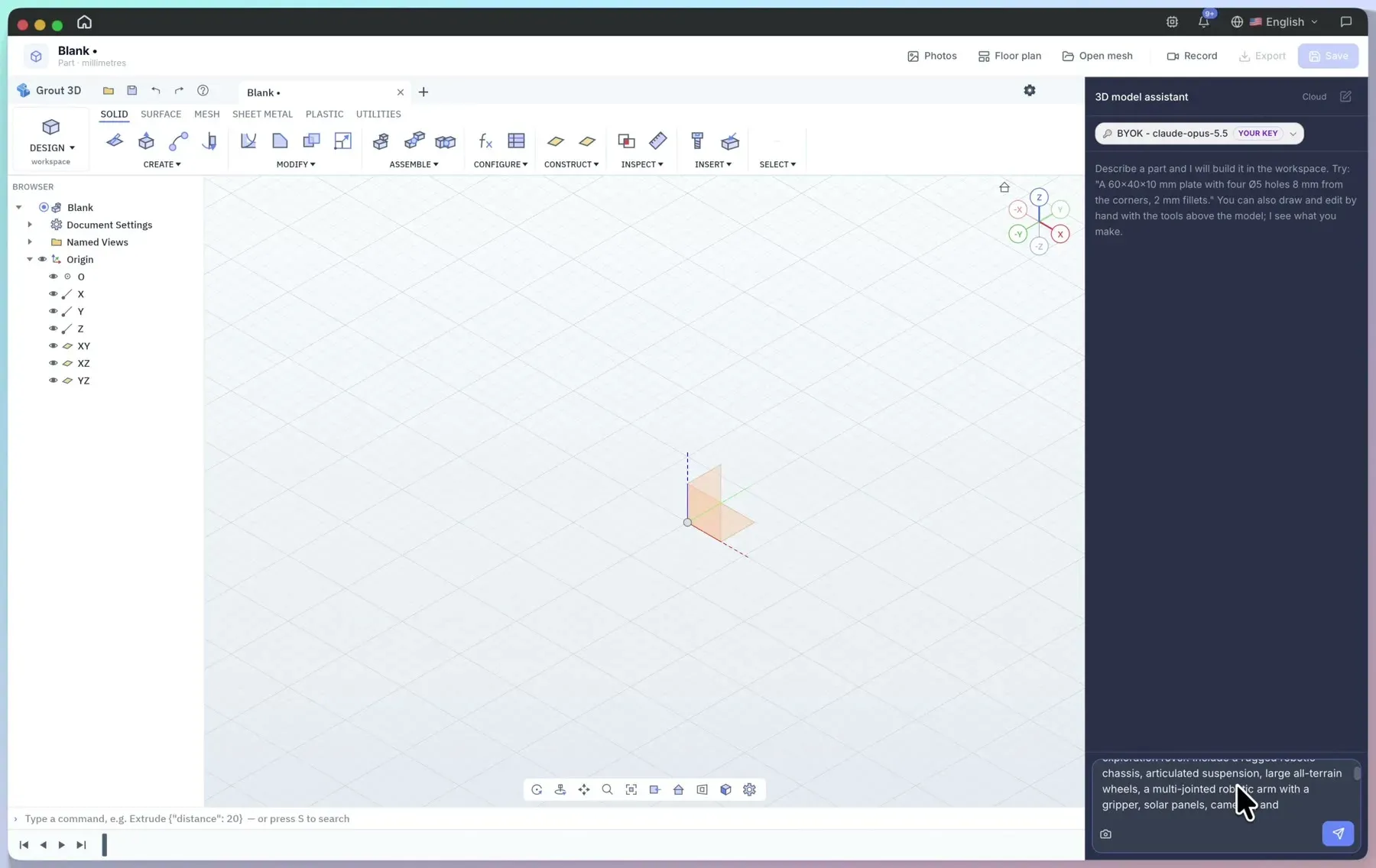
Open 3D model assistant on the right.
Pick a model. Choose one that can see pictures if you will attach references.
Describe the part, for example "A 60×40×10 mm plate with four Ø5 holes 5 mm from each corner". You can attach a photo, sketch, drawing or PDF with the paperclip, or paste/drop it.
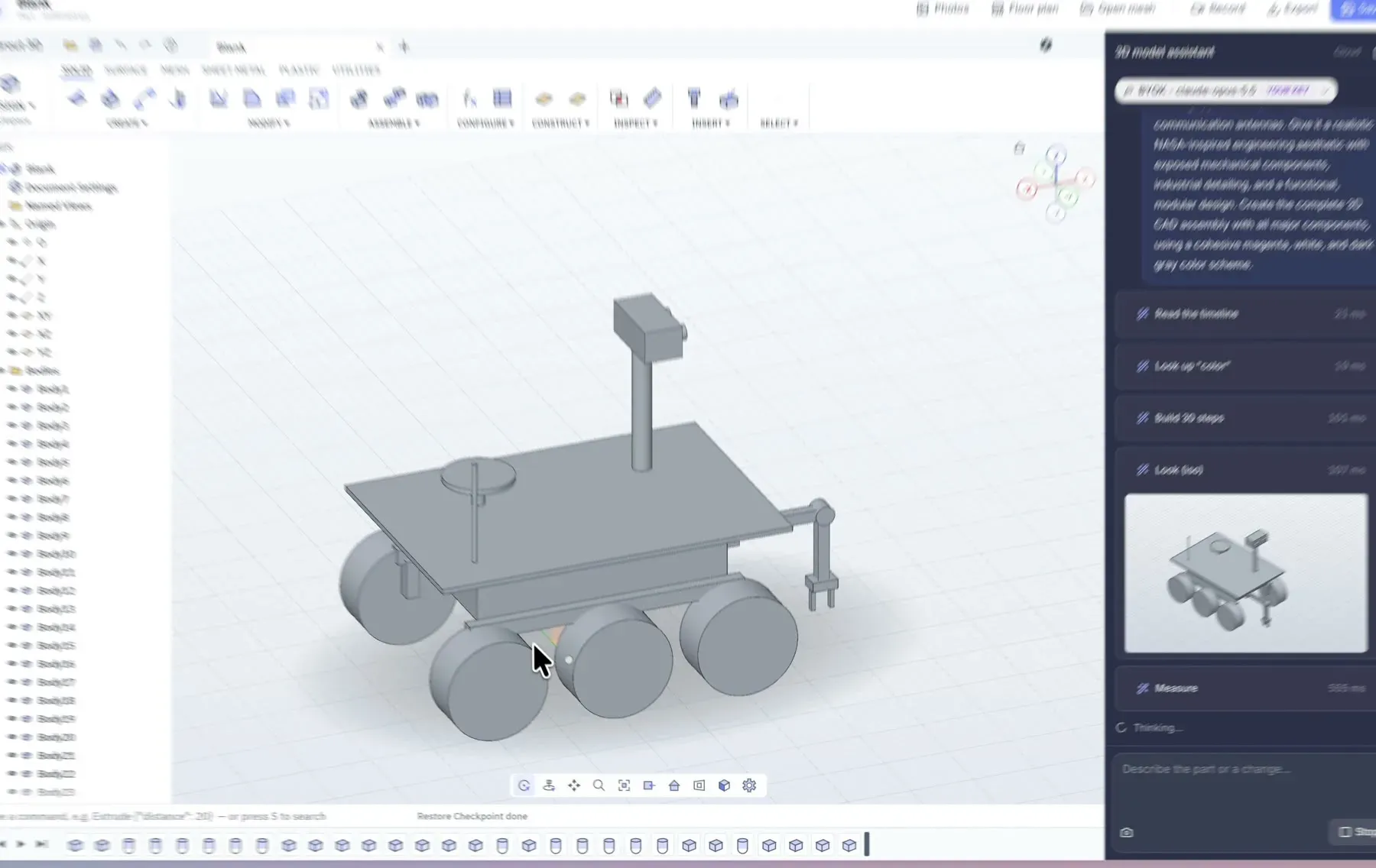
Watch it build. Every CAD tool above the model stays available, and the assistant sees your manual edits.
Look shows the assistant the current view.
Keep refining
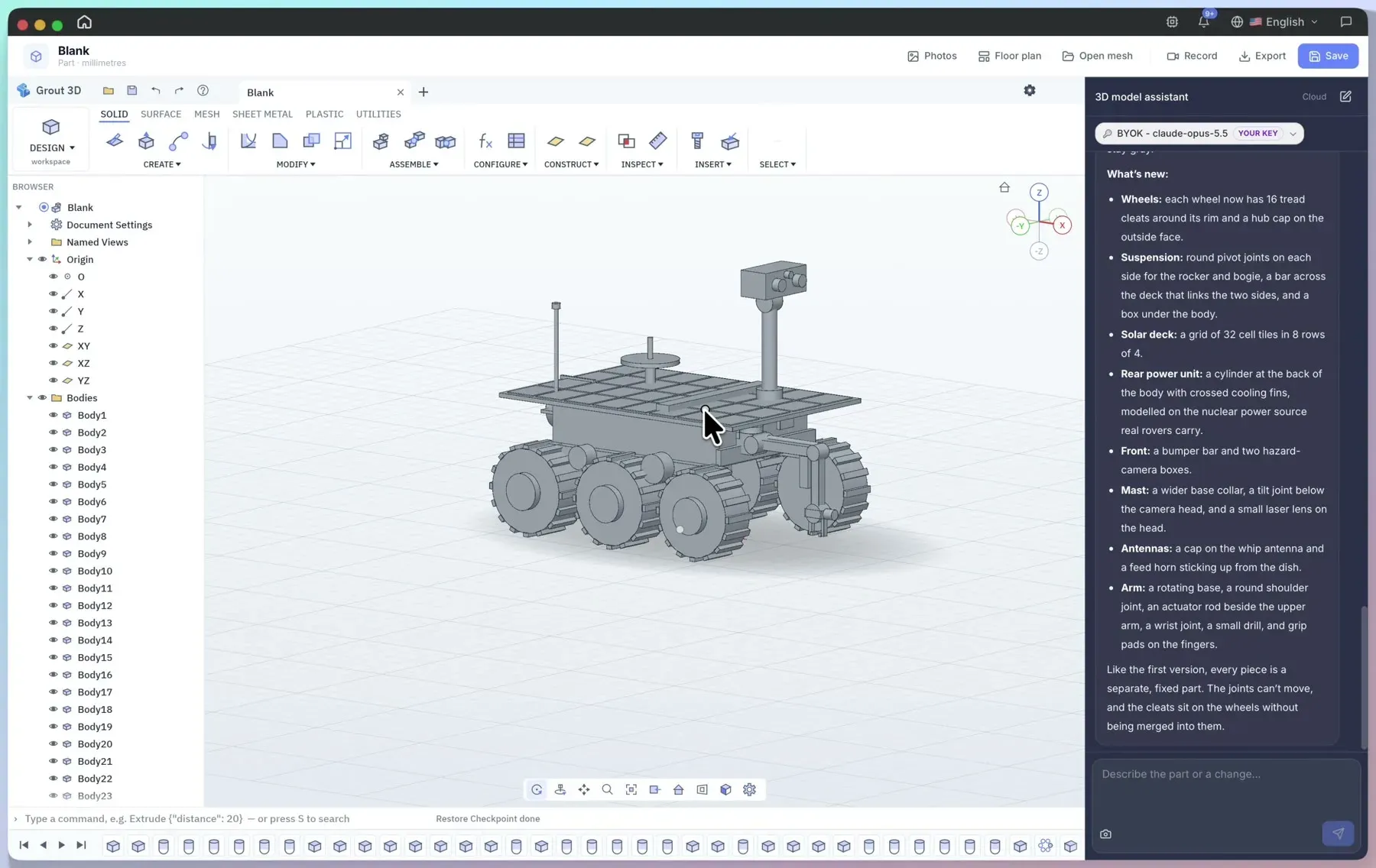
Ask for more detail in plain language, e.g. "add suspension and a solar panel".
Other ways to start
From photos – 1–4 photos become a 3D model.
From a floor plan – a plan picture becomes walls, doors and windows.
Open a mesh – GLB, glTF, STL, OBJ or PLY.
See 3D from photos, floor plans and mesh files.
Costs
Grout Cloud models use Merits. Your own key and local models use none. "Out of Merits" means top up, pick a low-cost model, or use a local model.
Troubleshooting
"The 3D workspace did not start. This computer may be short of graphics support." Photos and mesh files still work; update your graphics driver.
"I stopped after the step limit." Press Continue.
Chat history keeps each conversation together with the model it built.
Was this helpful?
Still need help? Ask the team