Uploading PDFs & documents to AI-Memory
How to add textbooks, past papers, curriculum guides, and case studies to your knowledge base.
Written By Grout
Last updated 5 months ago
Uploading documents is the most direct way to build your AI-Memory. Anything you upload becomes searchable context the AI can draw on.
Supported material
PDFs — textbooks, articles, research papers
Past papers and practice exams
Curriculum and syllabus guidelines
Clinical case studies and professional documents
How to upload
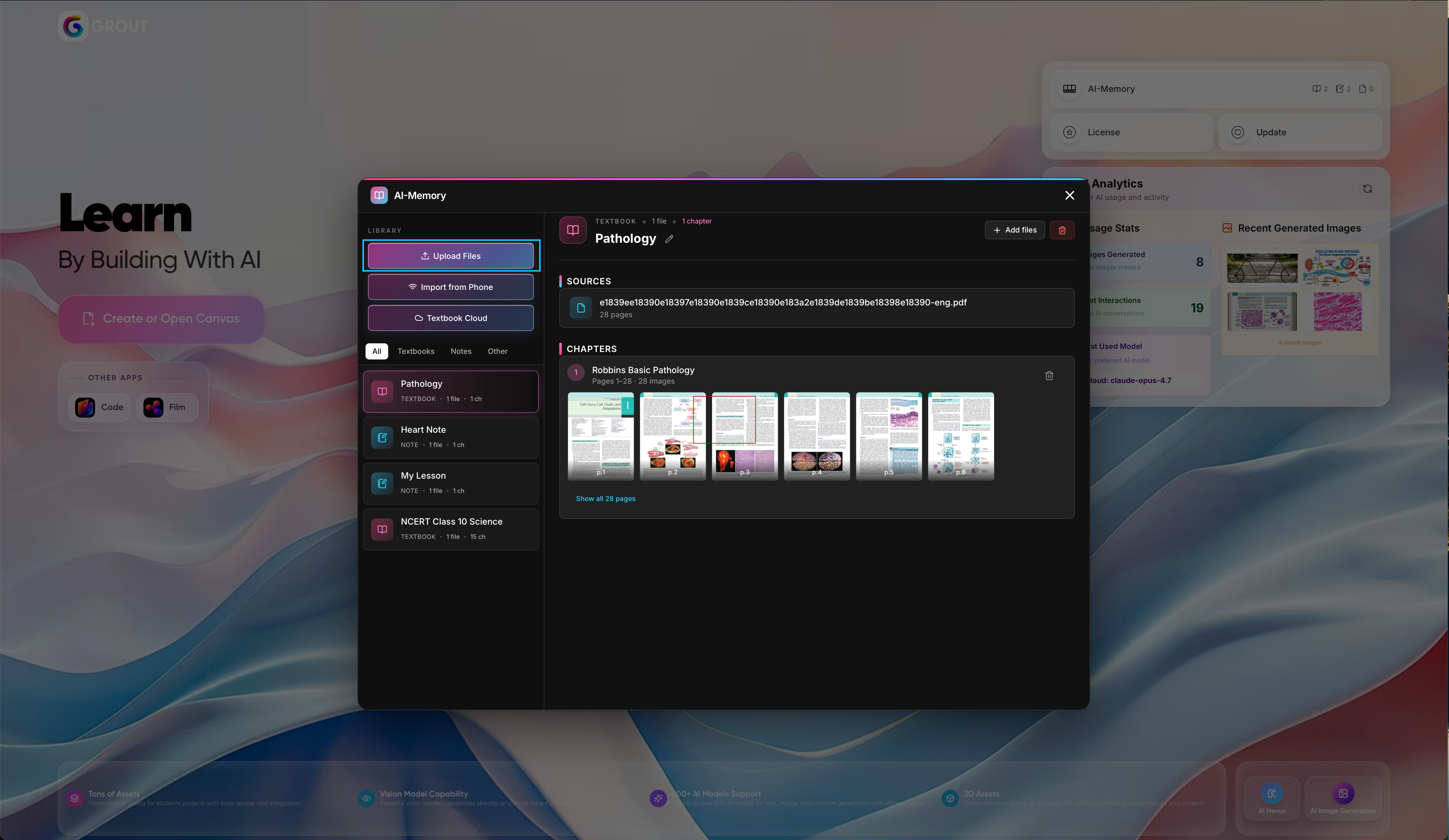
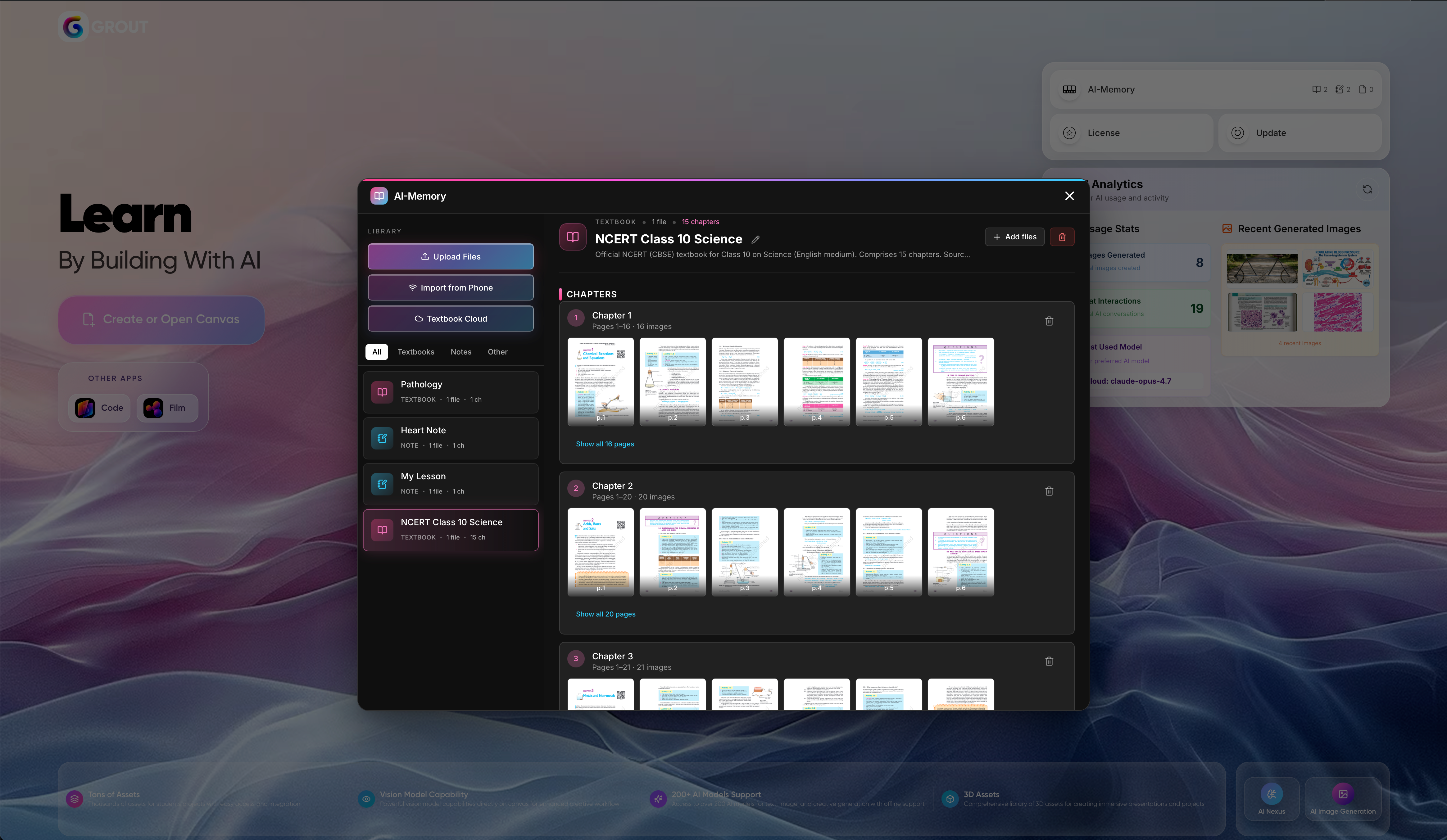
Open your AI-Memory library.
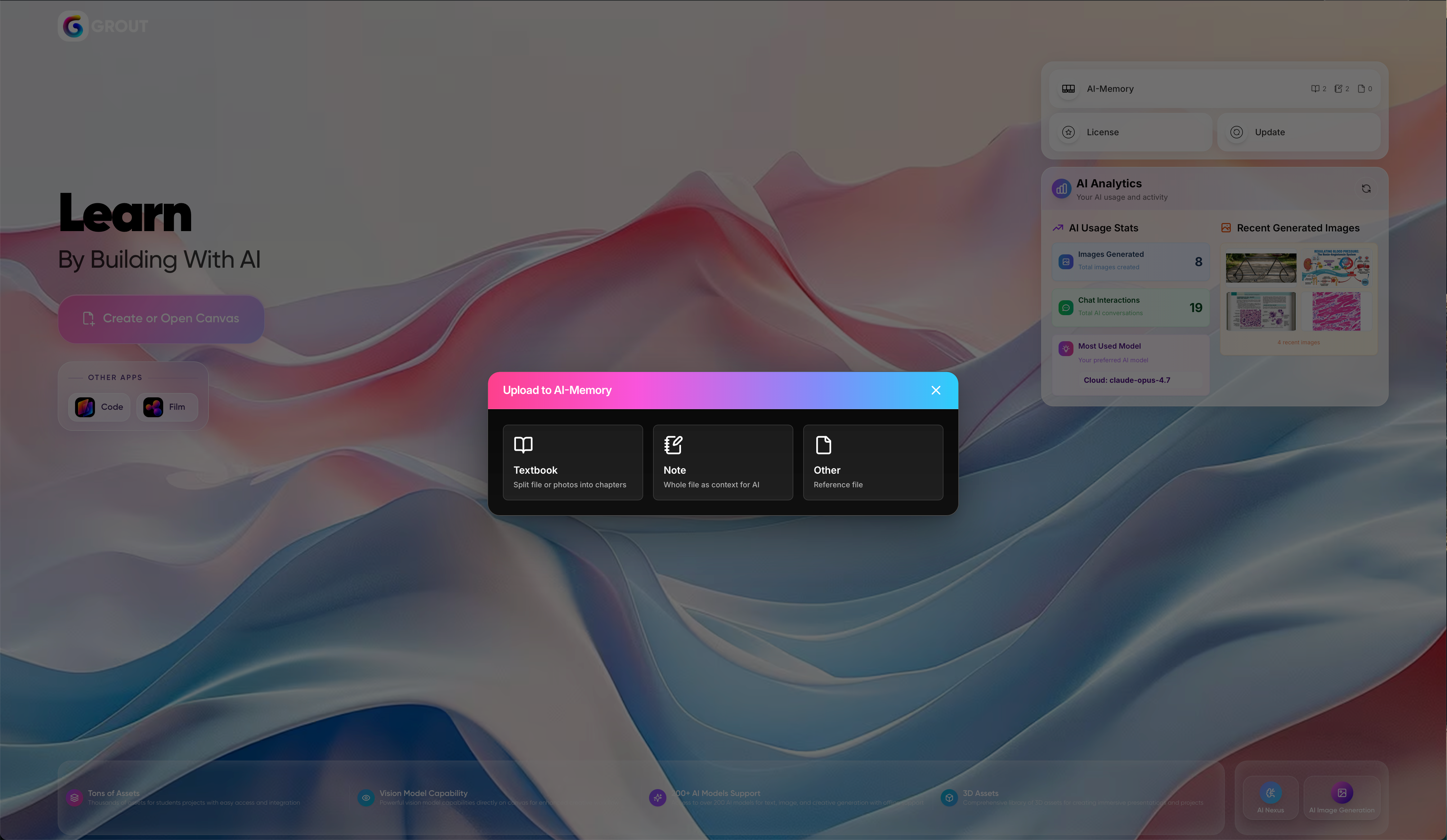
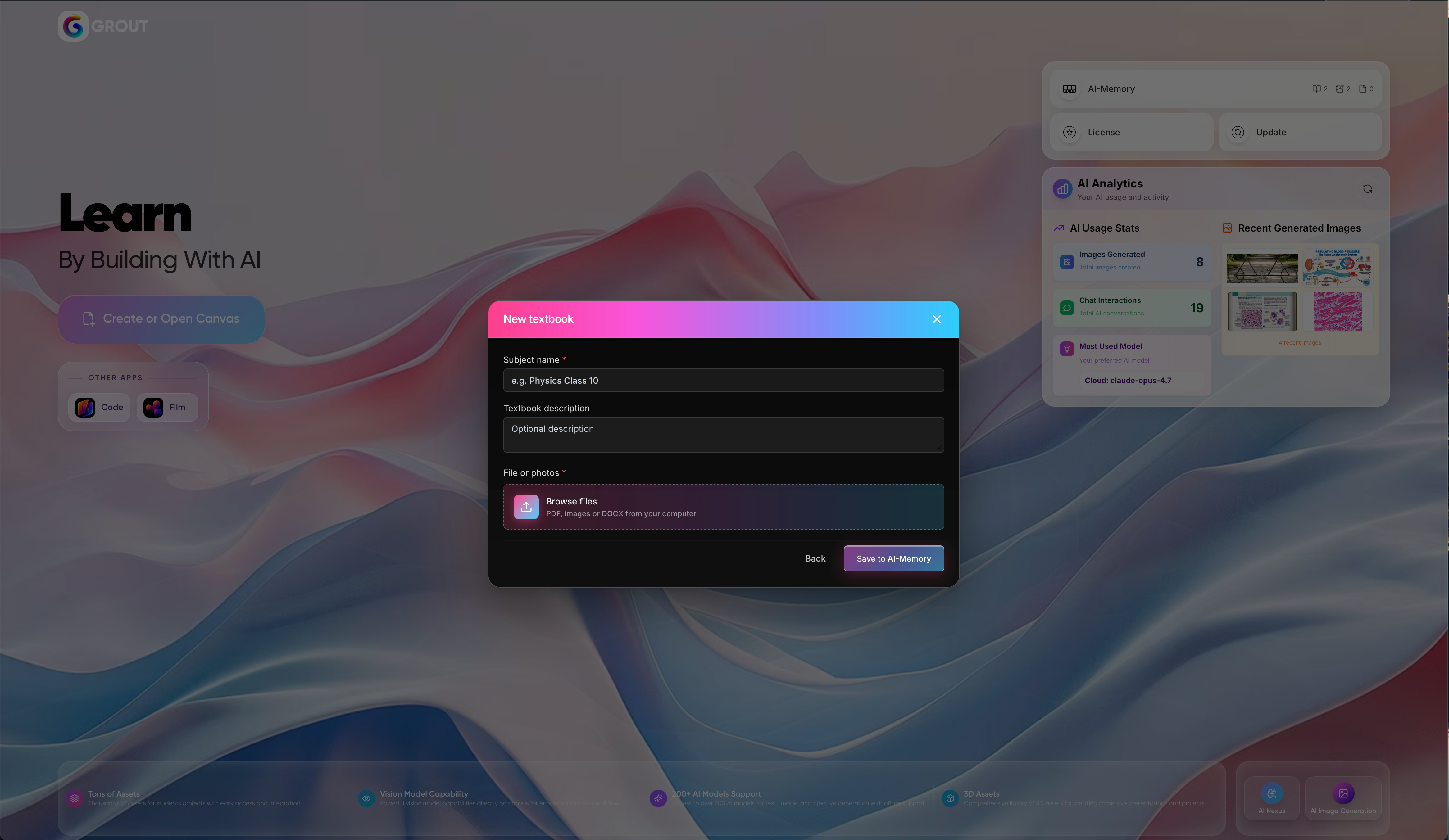
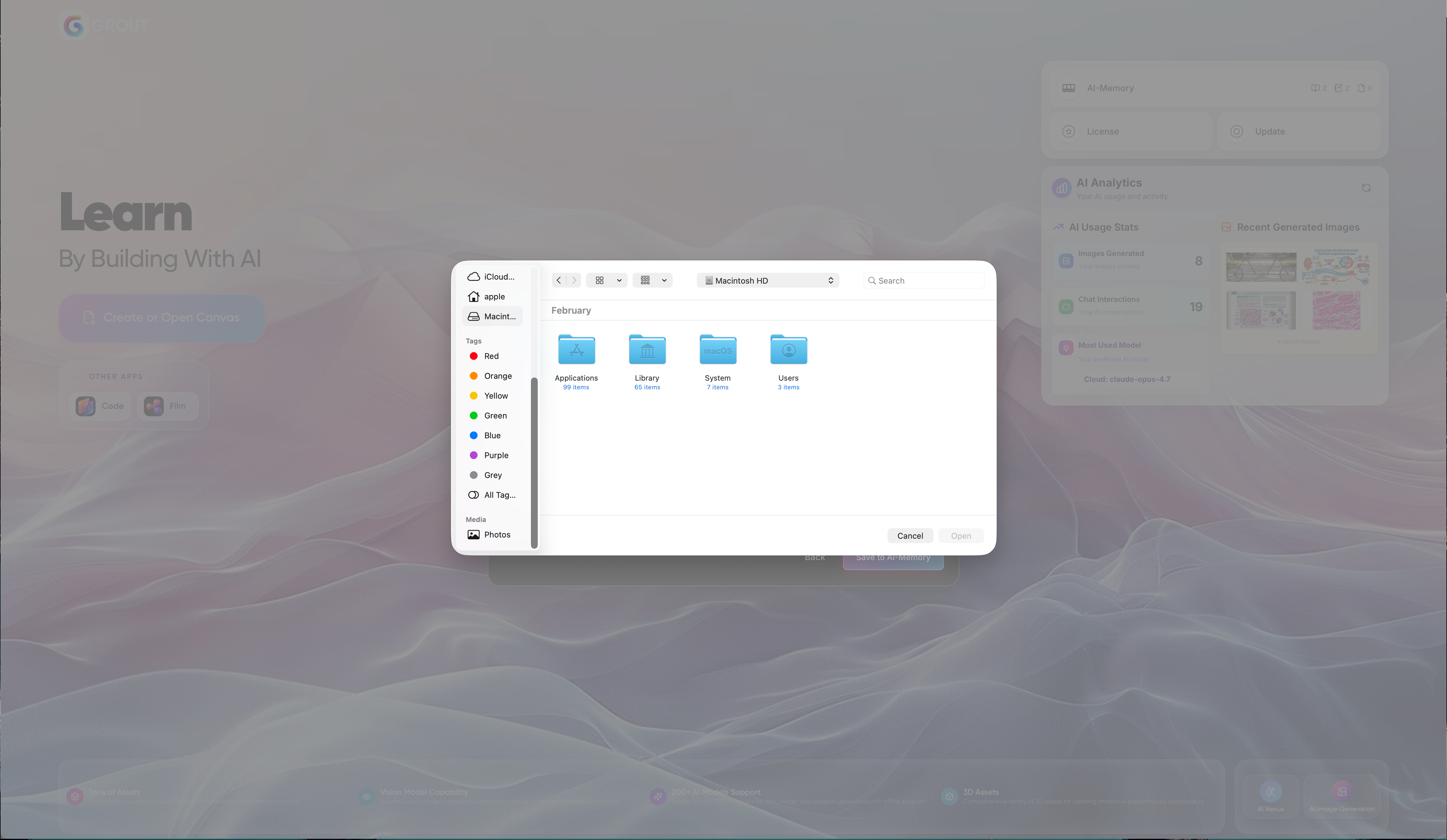
Choose the upload option and select the files from your computer.
Wait for processing — Grout App breaks each document down and digitizes it.
What happens after upload
Each uploaded file is automatically broken down, organized by subject, labeled with a description, digitized, and made fully searchable. You don't need to tag or sort anything manually — see How auto-organization works.
Tips
Upload related material together so it's grouped under the same subject.
For physical books or handwritten notes, use phone scanning instead — see Scanning notes from your phone with a QR code.
For sensitive documents, pair your uploads with Local AI so nothing leaves your machine.
Was this helpful?
Still need help? Ask the team