The Grout Code home screen and building from a description
Describe an idea, press Build, and Grout Code creates the project, writes the code and runs it with you.
Written By Grout
Last updated 20 days ago
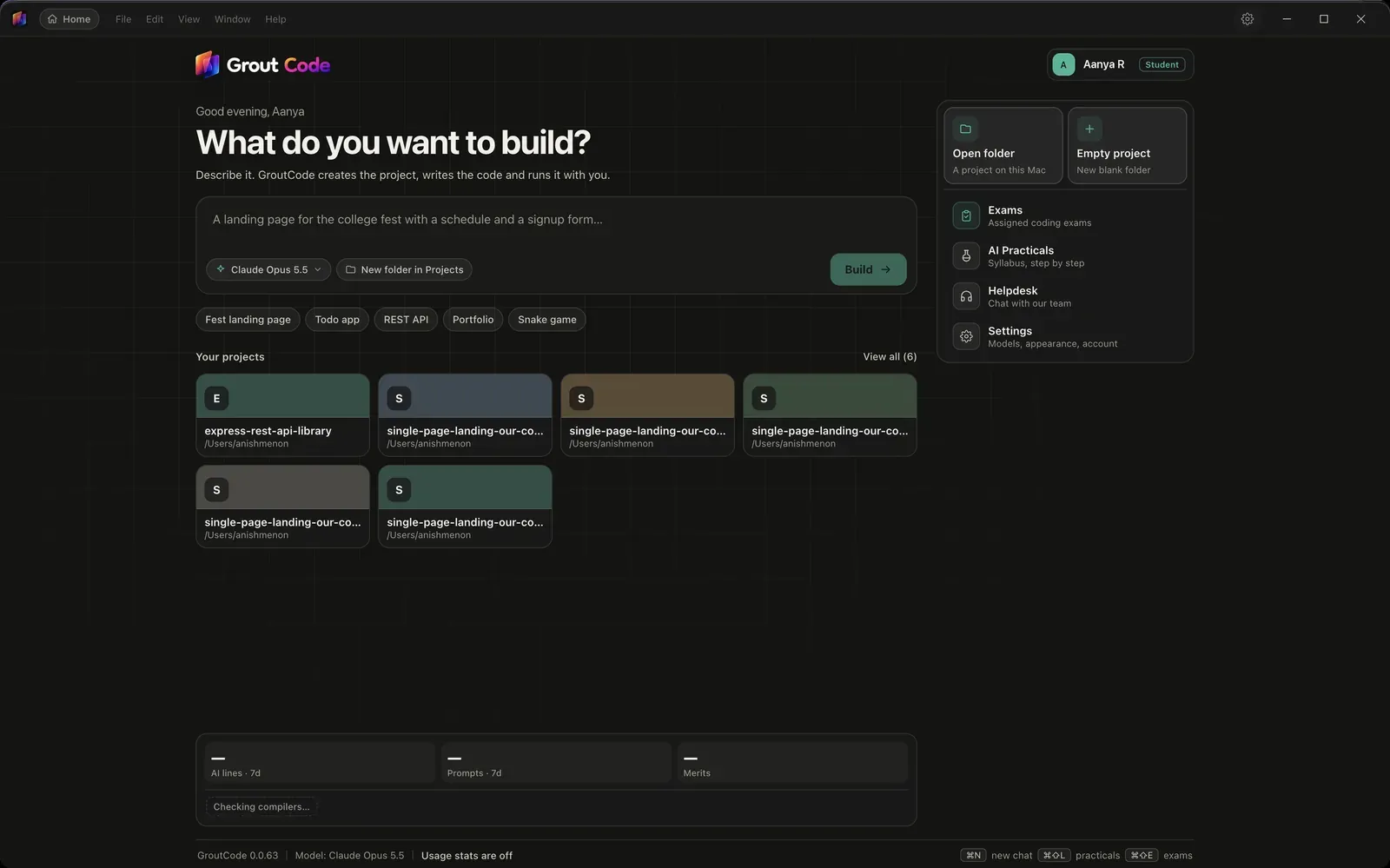
Build a project from a description
On Home, type your idea under What do you want to build?, or click an idea chip (Fest landing page, Todo app, REST API, Portfolio, Snake game).
Optionally choose a model with the model pill.
Press Build. Grout Code creates a folder named after your idea in your home folder, opens it and starts the Agent.
Follow and approve the Agent's work (see Using the Agent workflow).
What else is on Home
Your projects – recent folders, with View all.
Open folder and Empty project (enter a project name, then Create project).
Exams (institution accounts), AI Practicals, Helpdesk and Settings tiles.
A strip with AI lines and prompts over 7 days, your Merits (Buy or Redeem), and compiler chips with Install missing.
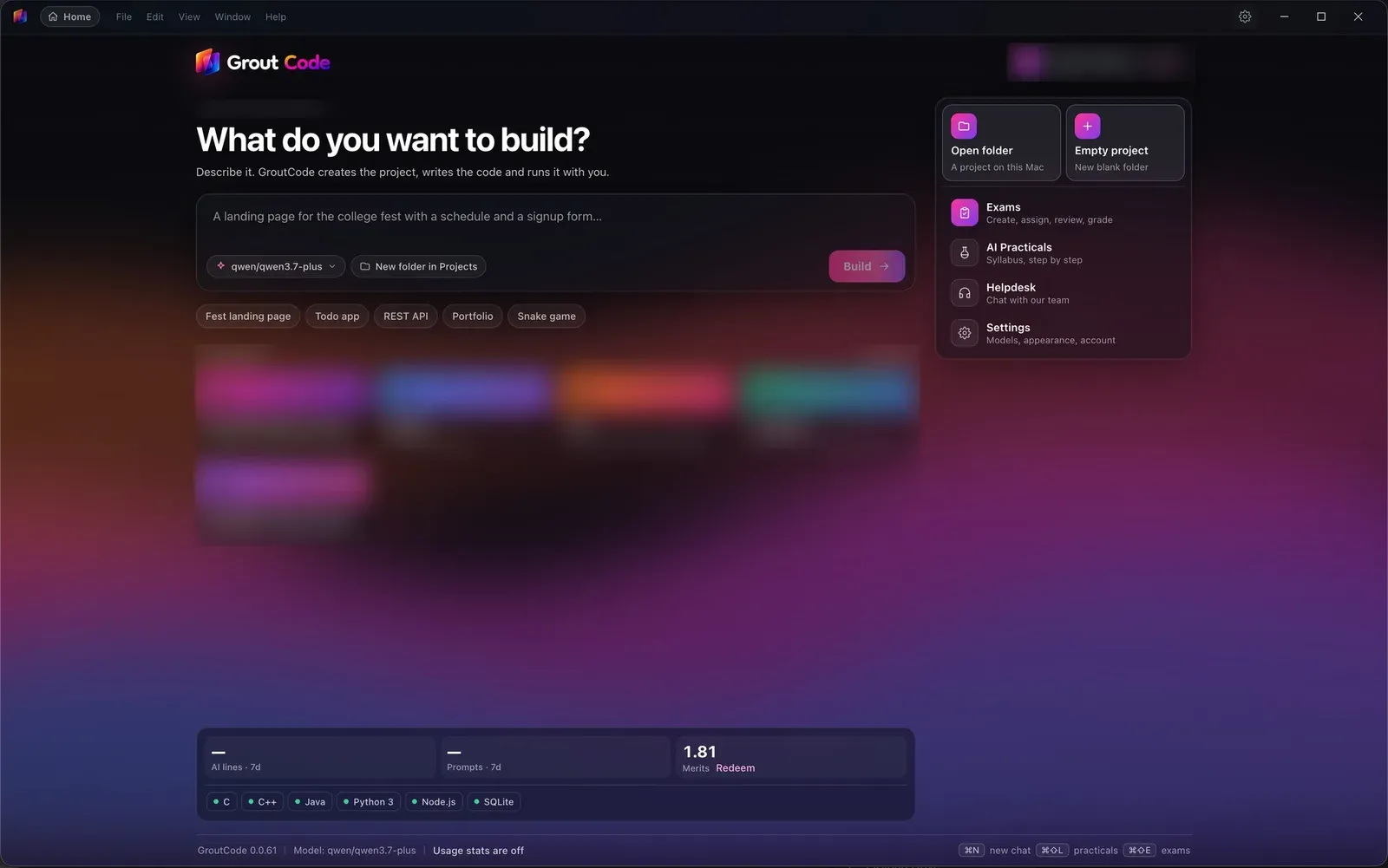
Shortcuts
⌘/Ctrl+N new chat, ⌘/Ctrl+Shift+L AI Practicals, ⌘/Ctrl+Shift+E Exams, ⌘/Ctrl+P Quick Open.
Was this helpful?
Still need help? Ask the team