The Home dashboard and creating a project
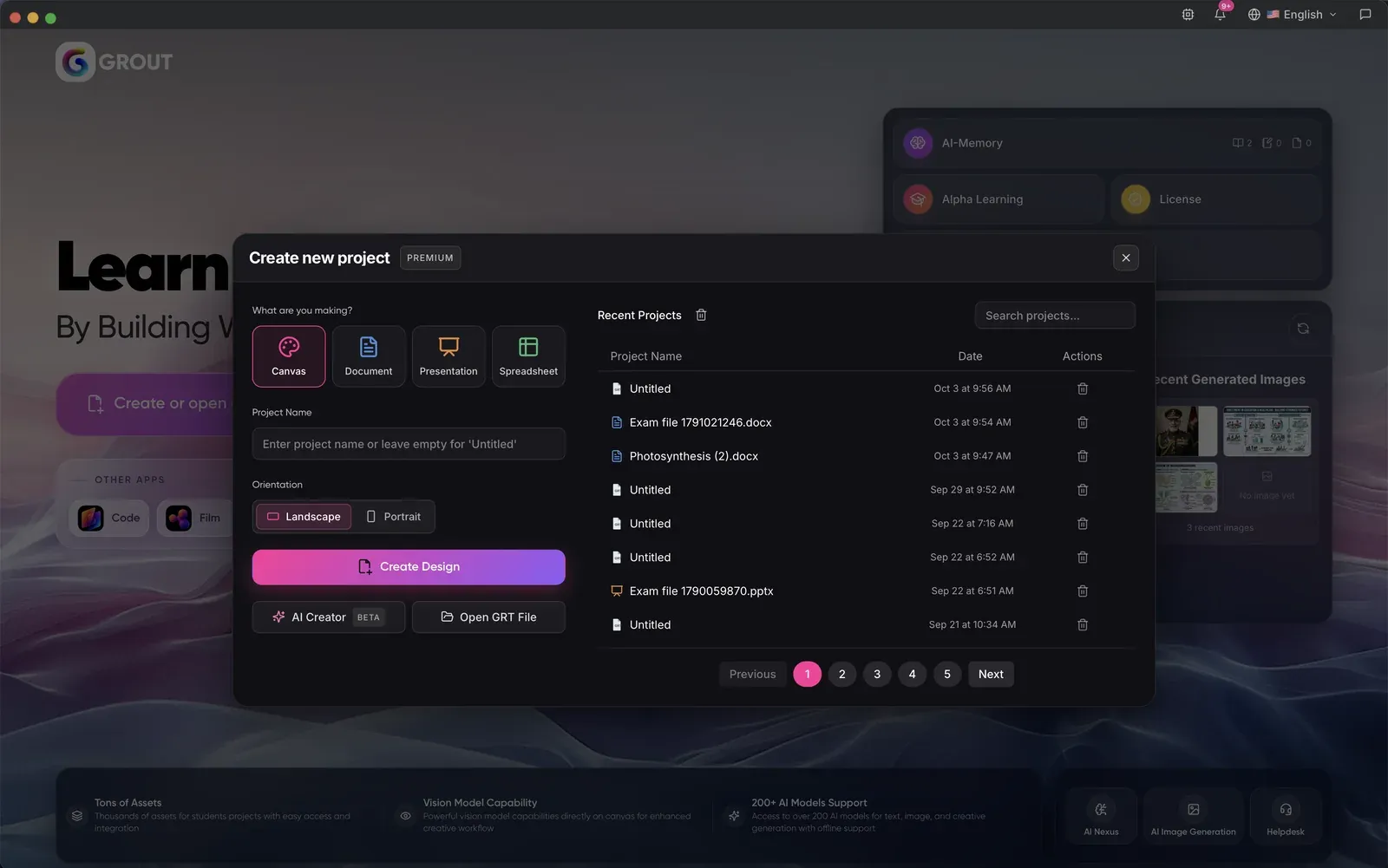
Home tiles, the Create dialog with Canvas, Document, Presentation, Spreadsheet, 3D model and Circuit board, and other apps.
Written By Grout
Last updated 20 days ago
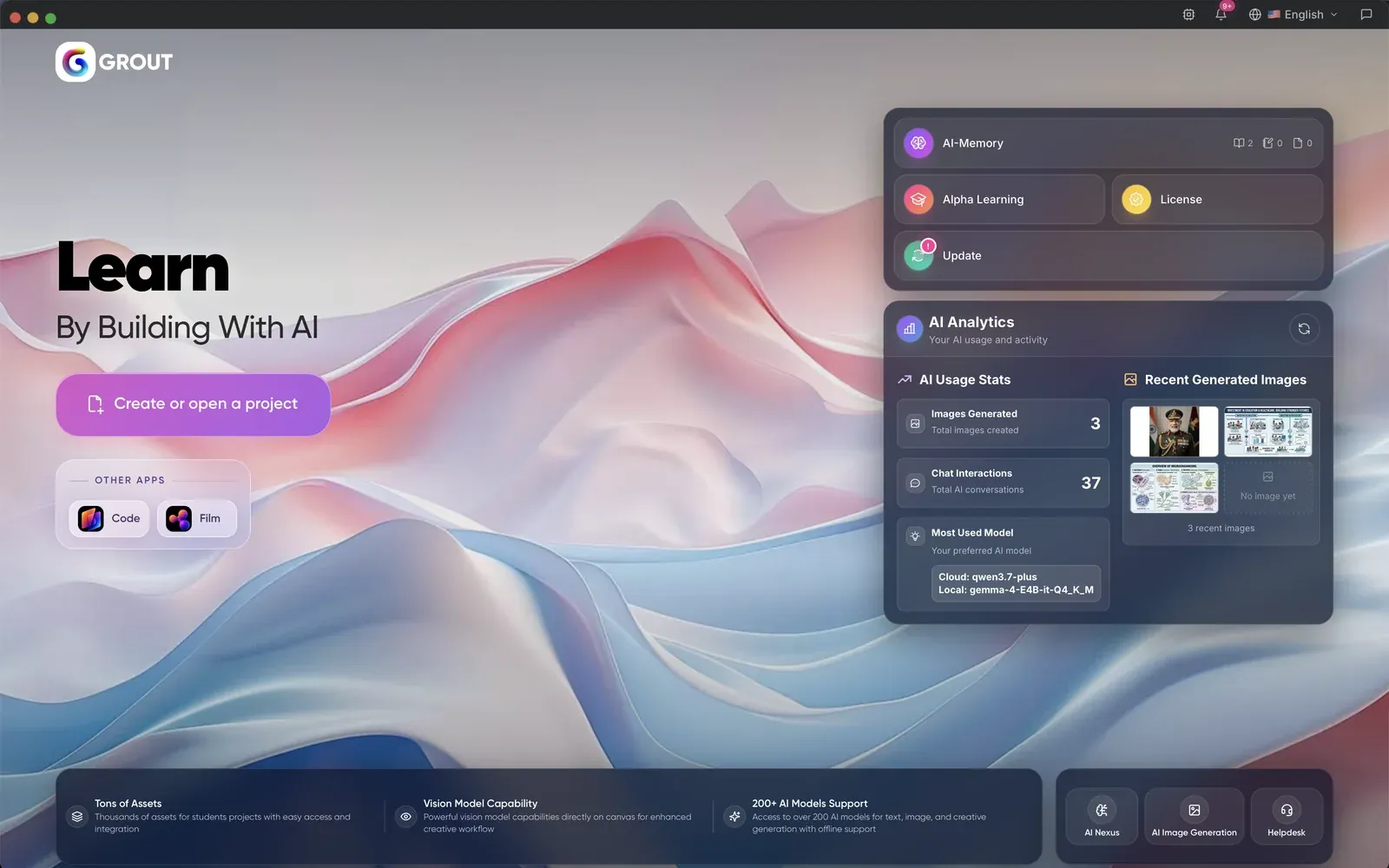
Home tiles
AI-Memory – your textbooks, notes and other files.
Exam Manager – institution accounts, with an unread badge.
Alpha Learning – adaptive learning and the AI teacher.
License – accounts and plan.
Update – app updates.
AI Analytics – your AI usage and activity.
Other Apps – open Code (GroutCode) and Film (GroutFilm). If one is not installed, Grout opens its download page.
Create a project
Press Create (Create new project).
Choose a type:
Design & Office: Canvas, Document, Presentation, Spreadsheet.
Engineering: 3D model, Circuit board.
Name it (left empty, it is called "Untitled") and press Create.
Open… opens an existing file; Recent Projects has search.
Was this helpful?
Still need help? Ask the team